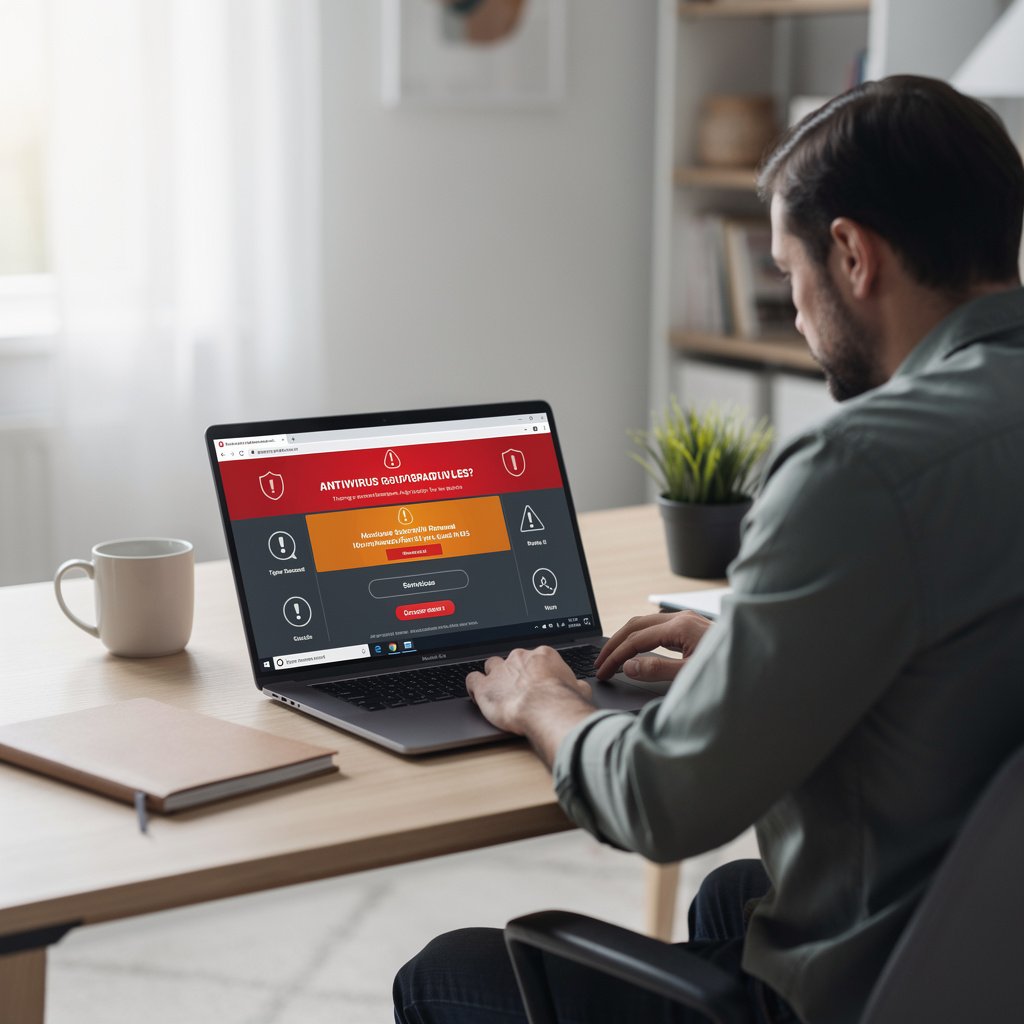
Fake Antivirus Subscription Renewal Scam: What to Do
A fake antivirus renewal email usually claims that an expensive subscription has renewed or will renew within hours. The invoice may use a real security brand, order number, support logo, and familiar formatting. Its purpose is often not to collect the displayed charge; it is to make you call the scammer listed as customer support.
Once connected, the caller may request card details, remote access, online banking login, or a “refund” that supposedly requires moving money. Verify the charge independently before interacting with the notice.
Check whether any real transaction exists
Do not click the invoice, open an attachment, reply, or call its number. Open your bank or card account through its official app and search for both pending and posted transactions. Check the genuine antivirus account and app-store subscriptions through bookmarks or independently typed domains.
Search your email for the original purchase receipt, but remember that a fake message can copy an earlier order. Compare the account, renewal date, product, amount, and billing provider. If no account or transaction exists, there is nothing to cancel through the message.
The FTC describes this pattern in its fake antivirus renewal warning: the email urges a call, and the scammer then seeks payment details, passwords, or remote control.
The FTC alert describes emails that used the Norton name. They said the reader had been charged for a renewal or a new order and should call at once if it was a mistake. The FTC's advice is not to click the links or call the number, and to look up the company's number yourself.
Refuse remote support and refund transfers
A caller may ask you to install screen-sharing software so it can “remove the renewal.” It may alter what the browser displays, open online banking, or claim it refunded too much. You are then instructed to return the excess through wire, gift card, cash, cryptocurrency, or a transfer to a “secure” account.
No legitimate refund requires moving money out of another account, reading one-time codes, hiding the call from the bank, or allowing a stranger to control the device. End the session. Do not rely on a disconnect button inside the remote-access tool; close the app, disconnect the network if needed, and obtain trusted technical help.
If the caller claims the bank is involved, contact the bank separately through the card, statement, or official app.
The FTC's guide to tech support scams describes the refund version step by step: a notice about a large renewal pushes you to call within 24 hours, the caller asks for remote access and sends you to a fake site to enter payment details, then claims to have refunded too much and demands the difference back by gift card or another payment that is hard to reverse.
If you only received the message
Mark it as phishing in the email service and preserve a screenshot if reporting it. Delete it after recording the sender, reply-to address, phone number, attachment name, and links without opening them. Block the sender, understanding that future messages may use a different address.
Check the real subscription directly. If it exists and you want to cancel, use the vendor, Apple, Google, Microsoft, or other billing platform that actually processes it. A fake notice can arrive coincidentally near a legitimate renewal, so treat account status and the message as separate evidence.
Do not call random search results for cancellation. Start from the software already installed, a genuine receipt, or a known company domain.
Check whether the notice addressed you by name, but do not treat that as authentication. Names, emails, devices, and past purchases can come from breaches or data brokers. Likewise, a sender address that displays a brand may hide a different reply-to domain. These details explain how the lure was personalized; they do not establish that the invoice came from the vendor.
If you shared access or credentials
From a clean device, change the primary email, banking, card, and any reused passwords. Revoke active sessions, review email forwarding and recovery settings, and enable multifactor authentication. Tell the financial institution exactly what the scammer saw and whether you logged in while screen sharing.
Remove remote-access software, unknown browser extensions, profiles, startup items, and accounts. Update the operating system and trusted security tools, then scan the device. If the scammer had administrative access or the device contains business data, get qualified incident-response help rather than assuming an uninstall removed everything.
Rotate exposed API keys, password-manager credentials, and saved browser passwords as appropriate.
If money moved or a card was charged
Contact the bank, card issuer, wire provider, payment app, gift-card issuer, or crypto exchange immediately. Ask about stopping a pending payment, recalling a transfer, replacing a card, or filing a fraud claim. State whether you initiated the payment because of deception or whether it was made without permission.
Preserve the invoice, remote-session details, payment destination, receipts, phone numbers, and bank case. Report the scam at ReportFraud.gov and internet-enabled financial crime at IC3. Ignore later callers promising guaranteed recovery for a fee.
The FTC's page on what to do if you were scammed sorts the next step by payment method. For a card, contact the issuer immediately through the number on the back of the card and ask for the charge to be reversed.
Related guides: remote access scam: what to do if a scammer controlled your computer, how to tell if a browser pop-up is a scam and how to stop fake virus warnings on your phone.
Prevent the next fake renewal from creating panic
Maintain a simple list of real subscriptions, billing providers, renewal dates, and official account links. Turn on transaction alerts and require authentication for app-store purchases. Teach household members that a renewal notice is a prompt to inspect the account—not a reason to call the number it supplies.
The decisive question is not whether the invoice looks professional. It is whether the genuine vendor account and financial statement independently show the subscription and whether support is reached through a route you already trust.
Review accounts again after the next statement cycle. A scammer may schedule a later transfer, create a new payee, or retain access through an email rule even when the first apparent charge never existed. Keep the bank and security case numbers until follow-up activity is clear.
This article provides general digital-safety information, not individualized cybersecurity, legal, or financial advice.
Sources:
- Spotting scammy emails, FTC Consumer Alert
- How To Spot, Avoid, and Report Tech Support Scams, FTC Consumer Advice
- What To Do if You Were Scammed, FTC Consumer Advice
- ReportFraud.ftc.gov, Federal Trade Commission
- Internet Crime Complaint Center (IC3), Federal Bureau of Investigation

Written by TheDigitalLife Editorial Team
Edited by R. K. Tiwari
Owner & Editor
R. K. Tiwari is the owner and editor of TheDigitalLife. He checks each guide against official U.S. sources before it is published.
About the editor and our editorial standards