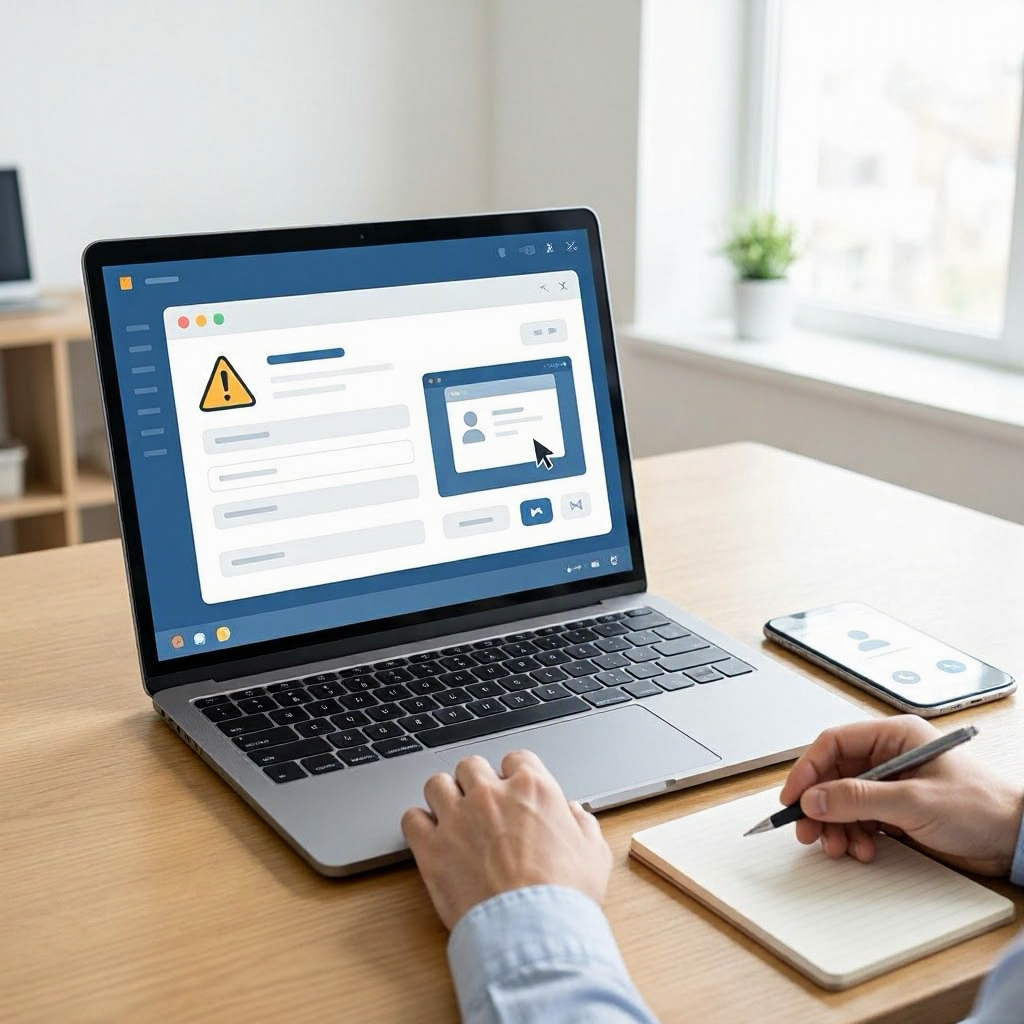
Remote Access Scam: What to Do If Someone Controlled Your PC
A remote-access scammer may have watched the screen, copied files, installed software, changed settings, captured passwords, or directed financial transfers. Closing the visible session does not prove their tools, accounts, or persistence are gone.
Use a different trusted device for account recovery. Treat the computer as potentially exposed until it has been assessed and secured.
End the connection immediately
Disconnect Ethernet and turn off Wi-Fi on the affected computer. Close the remote-control application if possible, but do not follow the caller's uninstall or cleanup instructions.
If the person is still moving the cursor or threatening immediate action, power off the device after noting the time. For an employer or school computer, contact the authorized security team before turning it back on.
Do not reconnect merely to ask the scammer for a refund or proof of deletion.
First ten minutes:
- Disconnect the computer from Wi-Fi or unplug the network cable
- Shut the computer down
- Use a phone or another computer for everything that follows
- Call the bank or card issuer on the number printed on the card
- Change the email password, then banking passwords, from the clean device
Move account recovery to a clean device
Secure the primary email first: change its password, end unknown sessions, inspect forwarding and filters, restore recovery information, and enable strong multifactor authentication. Then protect the password manager, bank, investments, tax, cloud, carrier, and social accounts.
Change passwords entered or displayed during the session and every account that reused them. Replace compromised authentication codes or security keys according to the provider's process.
Do not use SMS as the only recovery path if the scammer also accessed the mobile-carrier account.
Contact financial institutions now
Use the card, statement, known app, or typed official website. Explain which accounts were visible, whether the scammer initiated or persuaded transfers, and which credentials or codes were shared.
Ask about holds, recalls, fraud review, new account numbers, online-banking reset, payee removal, and monitoring. Recovery depends on the payment method and facts, so do not describe an authorized scam-induced transfer as a stolen-card transaction.
Save case numbers and written instructions. Watch linked credit cards, bank accounts, wallets, payment apps, and investments.
The FTC's page on what to do if you were scammed sorts recovery by payment method. For a card, contact the issuer immediately and ask for the charge to be reversed. For a bank transfer, tell the bank promptly and ask it to reverse the payment. For a wire company, contact the company right away and ask for a refund.
Preserve evidence before cleanup
Record the caller's number, claimed company, remote-tool name, session code, usernames, websites, downloaded files, payments, messages, and timeline. Photograph the screen when safe.
Do not delete logs or wipe a business device needed for an investigation. An insurer, employer, bank, attorney, or law-enforcement agency may require evidence.
Keep original files but do not open suspicious programs. Use a qualified professional for forensic preservation when the loss or exposure is serious.
Export legitimate bank and account logs from a clean device rather than the affected computer. Note whether the scammer blanked the screen, asked you to leave the room, or moved money while displaying a false balance; those details help providers reconstruct the sequence.
Remove remote tools and persistence
Review installed applications, startup items, browser extensions, administrator users, scheduled tasks, remote-desktop settings, email clients, and unknown security exclusions. Remove unauthorized tools through normal system management.
Update the operating system and trusted security software, then run a complete scan. The FTC's tech-support scam guidance recommends changing exposed passwords, using trusted help, and reporting the incident.
A scan finding nothing does not prove that files or passwords were not copied during a valid remote session.
Decide between cleanup and a clean rebuild
For brief access without administrator rights, a trusted technical assessment may support targeted cleanup. For administrator access, disabled security, unknown tools, business data, or persistent symptoms, a clean operating-system reinstall or device rebuild can offer more confidence.
Back up essential documents and photos carefully, not suspicious applications or system settings. Preserve license information and authentication recovery codes before wiping.
Reinstall programs from official sources and restore only necessary data. Patch the system before signing into important accounts.
Check data and identity exposure
List tax returns, identity scans, health records, customer data, saved passwords, browser autofill, email archives, and cloud files the scammer could access. Respond to the actual sensitivity, not only the files seen on screen.
Use IdentityTheft.gov if personal information was misused. Consider credit freezes when Social Security and identity data could support new-account fraud.
Businesses may have contractual, legal, insurance, or breach-notification duties. Escalate to counsel and security professionals instead of making an informal conclusion.
Report the scam and anticipate a second attempt
Report at ReportFraud.ftc.gov and through IC3 for internet-enabled crime. Provide payment identifiers and technical evidence without publishing them.
Expect callers claiming to be the bank, police, FTC, Microsoft, Apple, or a recovery company. They may know the original amount and tools. Verify every contact independently.
No legitimate investigator needs gift cards, crypto, remote access, or a transfer to a “safe” account.
The FTC describes the usual second attempt as a refund scam: a caller says you are owed money, asks for remote access again, claims to have sent too much and demands the difference back by gift card. Legitimate tech companies, it notes, do not contact people by phone, email or text about computer problems.
Related guides: fake antivirus subscription renewal scam and how to tell if a browser pop-up is a scam.
Monitor after the computer is restored
Review bank and card statements, email login history, forwarding rules, cloud sharing, carrier changes, credit reports, new payees, and password-reset notices. Keep alerts enabled.
Change home-router administrator credentials and update its firmware if the scammer accessed its settings. Review connected devices and remote-management configuration.
Check printers, network storage, password-protected backups, and shared folders that were reachable from the computer. Disconnect unknown devices and rotate access credentials before reconnecting restored systems.
This article provides general U.S. cybersecurity information, not a substitute for professional incident response, legal advice, or the financial provider's fraud process.
Sources:
- What To Do if You Were Scammed, FTC Consumer Advice
- How To Spot, Avoid, and Report Tech Support Scams, FTC Consumer Advice
- IdentityTheft.gov, Federal Trade Commission
- ReportFraud.ftc.gov, Federal Trade Commission
- Internet Crime Complaint Center (IC3), Federal Bureau of Investigation

Written by TheDigitalLife Editorial Team
Edited by R. K. Tiwari
Owner & Editor
R. K. Tiwari is the owner and editor of TheDigitalLife. He checks each guide against official U.S. sources before it is published.
About the editor and our editorial standards