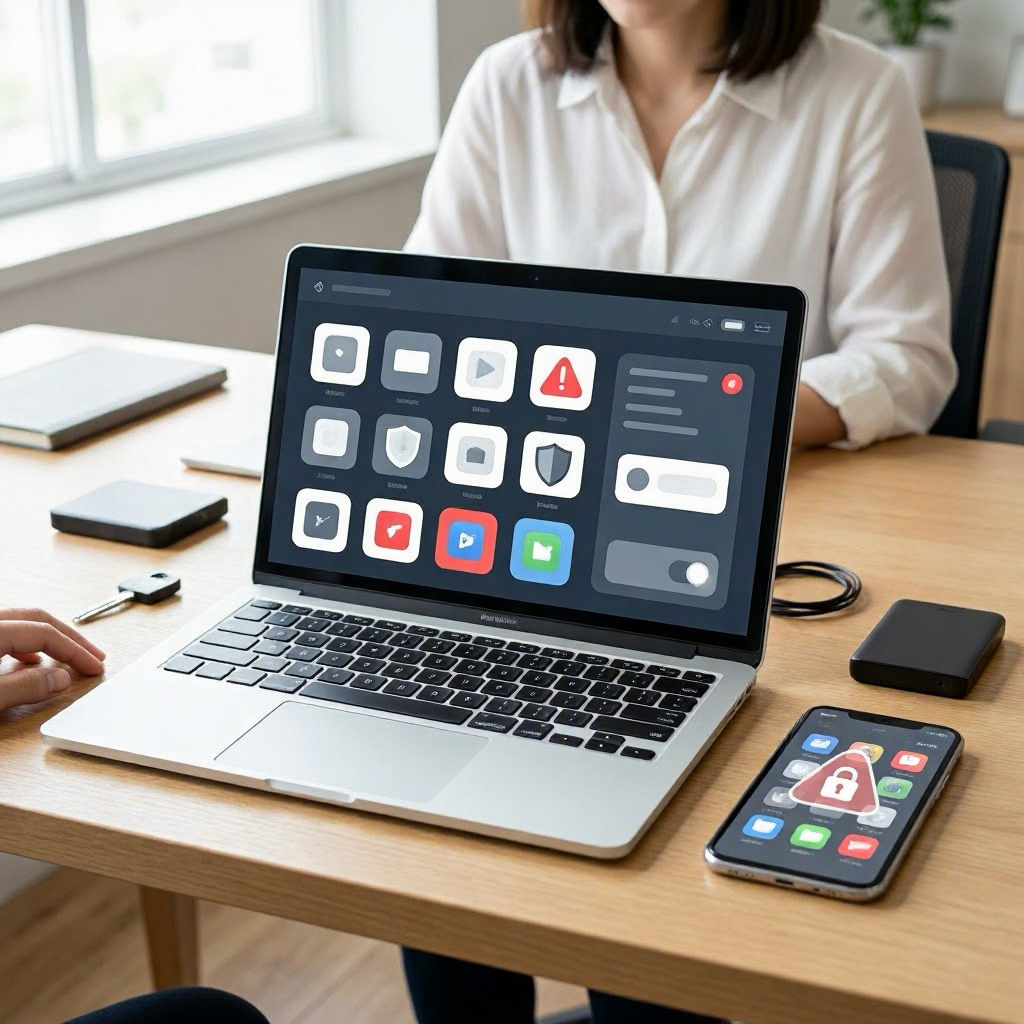
What to Do If You Downloaded a Fake App
A fake app may do nothing visible, imitate a login, enroll a subscription, display aggressive ads, abuse accessibility or device-administrator permissions, capture codes, or install additional software. Recovery depends on what you opened, allowed, entered, and paid.
Use a different trusted device for account recovery if the app had broad permissions or the phone behaves as if it is controlled remotely.
Stop new activity
Turn on airplane mode or disconnect Wi-Fi and cellular data when active compromise is suspected. Do not keep opening the fake app to inspect it, and do not grant a new permission in response to a warning screen.
If money is moving or a critical account is at risk, call the bank or provider from another device using an official number. Preserve immediate safety and account access before detailed cleanup.
Do not pay an in-app “cleanup,” “unlock,” or “virus removal” demand.
Record what happened
Write down the app name, publisher, store or website, download time, permissions, screens viewed, information entered, payment, and unusual device behavior. Save the store URL, receipt, icon, messages, and screenshots.
Record whether you entered an email, password, card, bank login, identity document, seed phrase, authentication code, or recovery code. That exposure map determines which accounts need action.
Do not upload the suspicious installer to a public forum if it may contain personal information.
Remove powerful permissions first
Review device administrator, accessibility, VPN, notification access, profile or device-management, screen overlay, unknown-app installation, and default SMS or phone permissions. Revoke suspicious elevated access through the operating system settings.
Then uninstall the app through the supported settings screen. If removal is blocked, use the platform's safe mode or official recovery instructions rather than downloading another unknown cleaner.
Review newly installed apps and configuration profiles that appeared at the same time.
Check whether the app changed the default browser, search provider, keyboard, caller identification, or battery-optimization exclusions. Those settings can preserve access after the visible icon is removed.
Run platform-supported checks
Update the operating system and app store, then use the security scanning features built into or recommended by the device platform. Restart and check battery, data use, redirects, pop-ups, and unknown accessibility services.
For severe compromise, persistent remote control, or a fake app installed outside the official store, consider a factory reset after preserving essential non-executable data. Follow the manufacturer instructions and avoid restoring the suspicious app from backup.
A reset does not secure online accounts whose credentials were already stolen.
On Android, Google Play Protect scans the device for harmful apps and warns about or removes them. To confirm it is on, open the Play Store, tap the profile icon, tap Play Protect, open its settings and check "Scan apps with Play Protect".
Change exposed credentials in order
From a trusted device, secure the primary email first, then password manager, financial accounts, mobile carrier, cloud storage, work accounts, and any login entered into the app.
Use unique passwords, sign out unknown sessions, replace compromised recovery codes, and enable strong multifactor authentication. Check email forwarding rules and recovery contacts.
If the app displayed a crypto wallet seed phrase or you entered one, seek official wallet guidance immediately; changing an app password does not protect a compromised seed.
Order for changing passwords, always from a different device:
- Primary email
- Banking and payment apps
- The Apple or Google account for the phone
- Any account that shares a password with the ones above
Protect money and identity
Notify card issuers, banks, payment apps, or exchanges about unauthorized transactions promptly. Describe which payments you approved and which you did not; a scam-induced payment and an account takeover may use different dispute routes.
Cancel a fraudulent subscription through the app store or payment provider and preserve the receipt. Monitor statements for small test charges.
Use IdentityTheft.gov when SSNs, identity documents, or new-account fraud are involved, and consider credit freezes.
If you entered card details, call the issuer on the number printed on the card. If you entered identity details such as a Social Security number, IdentityTheft.gov builds a recovery plan.
Protect work and family systems
If the phone accessed employer email, files, VPN, or authentication prompts, contact the real IT or security team immediately. Follow its evidence and device-isolation instructions.
Warn household members if the app accessed contacts or messaging; attackers may impersonate you. Do not send the suspicious download link as an example.
Change shared Wi-Fi administration credentials only when the app or attacker may have obtained them, and reconnect devices using the updated settings.
Report the app through official channels
Report the listing to the platform store and provide its exact URL, publisher, and behavior. Report deceptive charges to the payment provider and fraud to the FTC.
If the app impersonated a bank, government agency, employer, or known company, notify that organization through its official security route. A police or IC3 report may be appropriate for significant theft or extortion.
Keep case numbers and do not expect reporting alone to remove malware or reverse a payment.
Report the money side as well as the app. The FTC takes scam reports at ReportFraud.ftc.gov.
Monitor after cleanup
For several weeks, review account sessions, password-reset emails, phone service, bank activity, credit reports, and device settings. Recheck that the malicious permission did not return through a restored backup.
The FTC explains what to do after a scam, and CISA's mobile communications best practices, written for people at high risk of being targeted, sets out best practices for protecting mobile communications. Follow the device manufacturer's live removal and reset instructions for your exact model.
Related guides: malware on phone: warning signs and first steps and ChatGPT scam apps: how to spot fake AI apps.
This guide is general cybersecurity information. A qualified security professional may be needed when a work device, stalking risk, large financial loss, or persistent compromise is involved.
Sources:
- Use Google Play Protect to help keep your apps safe & your data private, Google Help
- IdentityTheft.gov, Federal Trade Commission
- ReportFraud.ftc.gov, Federal Trade Commission
- What To Do if You Were Scammed, FTC Consumer Advice
- Mobile Communications Best Practice Guidance, Cybersecurity and Infrastructure Security Agency

Written by TheDigitalLife Editorial Team
Edited by R. K. Tiwari
Owner & Editor
R. K. Tiwari is the owner and editor of TheDigitalLife. He checks each guide against official U.S. sources before it is published.
About the editor and our editorial standards