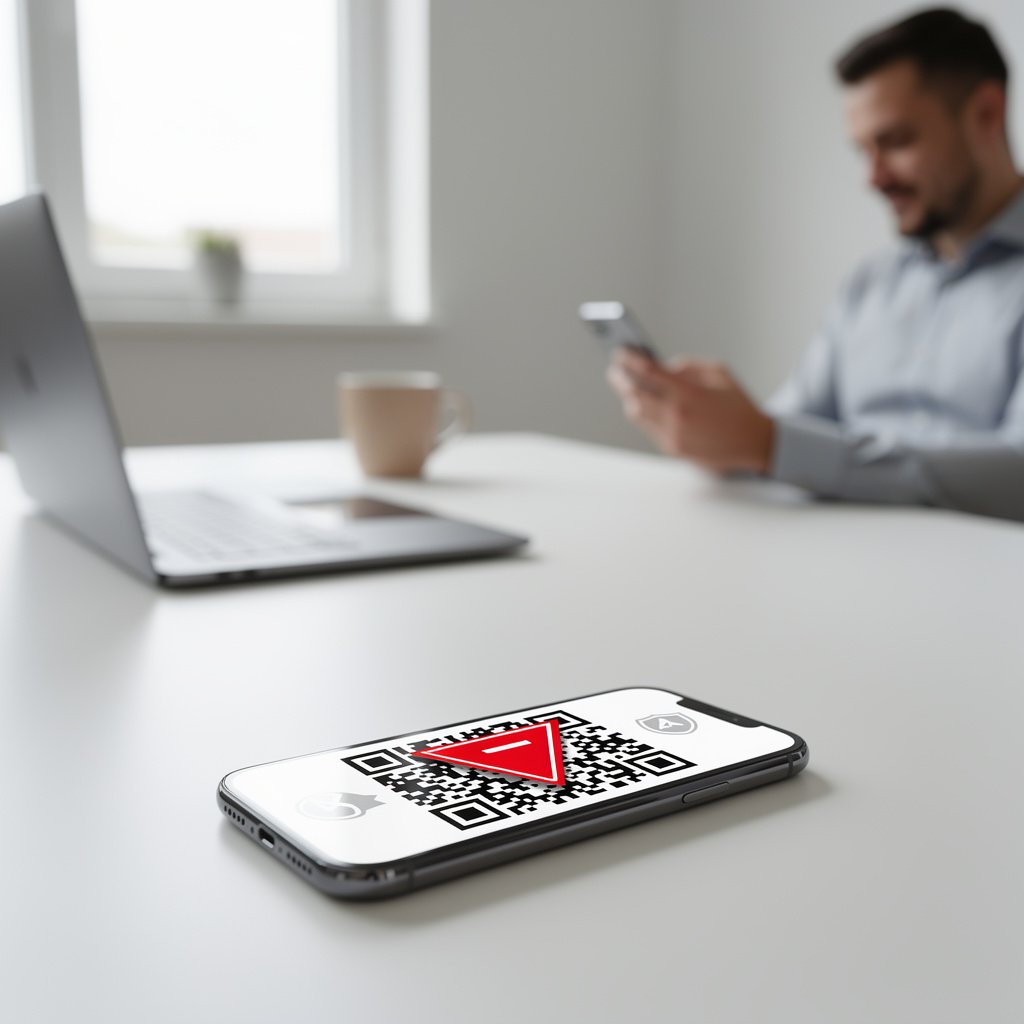
What to Do If You Scanned a Suspicious QR Code
Scanning a QR code only opens a link, so the code itself does nothing until something happens on the page it sends you to. The risk comes from what you do next: typing a password, entering a card number, approving a permission or installing an app. The FTC and the FBI both publish guidance for people who scanned a code they should not have. This guide sorts it by what happened after the scan, so you can match the right steps to your situation.
First, stop and do not engage
The FTC's first instruction for a bad QR code is not to engage with the scammer. If you reach out to someone through the suspicious site, the FTC says they may try to get money or sensitive information from you. Close the page, do not call a number shown on it and do not reply to the message that contained the code. If the code came in a text or email, the FTC's guidance is to avoid acting on unexpected messages, and to contact the company using a phone number or website you already know is real.
If you only scanned and did nothing else
If the page opened and you closed it without typing anything or approving anything, the likely damage is small, but the FTC notes that a QR code can open a spoofed website or install malware that steals information before you notice. Take a few cautious steps. Update your phone's operating system and apps, which the FTC says can help stop a scammy link from turning into a hack. Look through your recently installed apps and remove any you do not recognize. As a practical precaution, run your phone's built-in security check or a reputable security app. The FBI's package-scam alert also advises thinking carefully before granting phone permissions or allowing a website or app access, so if a page asked for permissions, review them in your phone's settings and revoke anything you did not intend to grant.
To avoid the problem next time, see QR code scam: how to check before you scan.
If you entered a password or username
The FTC says that if you entered credentials like a username or password, change the password right away, and change it on any other account where you use the same password. Use a strong password that is hard to guess and turn on two-factor authentication for the account. If you cannot sign in because the scammer already changed it, follow the provider's recovery steps; see what to do if your Gmail account is hacked and what to do if your Microsoft account is hacked. For a broader cleanup see how to lock down your online accounts after a data breach.
If you entered card or bank details
Review your credit card and bank statements for charges you do not recognize, as the FTC advises. If you typed in a card number, the FTC's page on what to do if you were scammed says to contact the card issuer right away using the number on the back of the card or your online account, and ask for a refund, noting that federal law protects you from unauthorized credit card use. For a debit card or bank transfer, contact your bank or credit union right away. See credit card fraud: first steps to protect your account and debit card fraud: what to do if money is missing.
If you shared your Social Security number or other identity details
The FTC says that if a scammer used your Social Security number, you should report it at IdentityTheft.gov and follow the recovery plan. If you are not sure whether it was used, the FTC points to IdentityTheft.gov/databreach for protection steps. It also suggests considering a credit freeze or a fraud alert and checking your free credit reports at AnnualCreditReport.com. The FBI similarly suggests requesting a free credit report from Equifax, Experian or TransUnion to look for fraudulent activity. See how to freeze your credit after identity theft, how to place a fraud alert on your credit report and identity theft recovery checklist: what to do first.
If a scammer got into your phone or computer
If the code led to an app download or someone had remote access, the FTC's guidance on this is to update your security software, run a scan, delete anything it flags as a problem, and then change your passwords and turn on two-factor authentication. For help removing malware, the FTC says to contact the device manufacturer, a trusted company or a knowledgeable friend or family member. See remote access scam: what to do if a scammer controlled your computer.
Report it
The FTC asks you to report the scam at ReportFraud.ftc.gov. The FBI asks for complaints at ic3.gov and suggests including who contacted you, the websites, emails or phone numbers involved, and any apps you downloaded or permissions you granted. See how to report an online scam in the USA and how to create a scam recovery checklist after losing money.
Sources:
- See a QR code parked somewhere? Don't scan it…yet!, FTC Consumer Alerts
- Scammers hide harmful links in QR codes to steal your information, FTC Consumer Alerts
- What To Do if You Were Scammed, FTC
- Scam alert: QR code on an unexpected package, FTC Consumer Alerts
- Unsolicited Packages Containing QR Codes Used to Initiate Fraud Schemes, FBI IC3

Written by TheDigitalLife Editorial Team
Edited by R. K. Tiwari
Owner & Editor
R. K. Tiwari is the owner and editor of TheDigitalLife. He checks each guide against official U.S. sources before it is published.
About the editor and our editorial standards