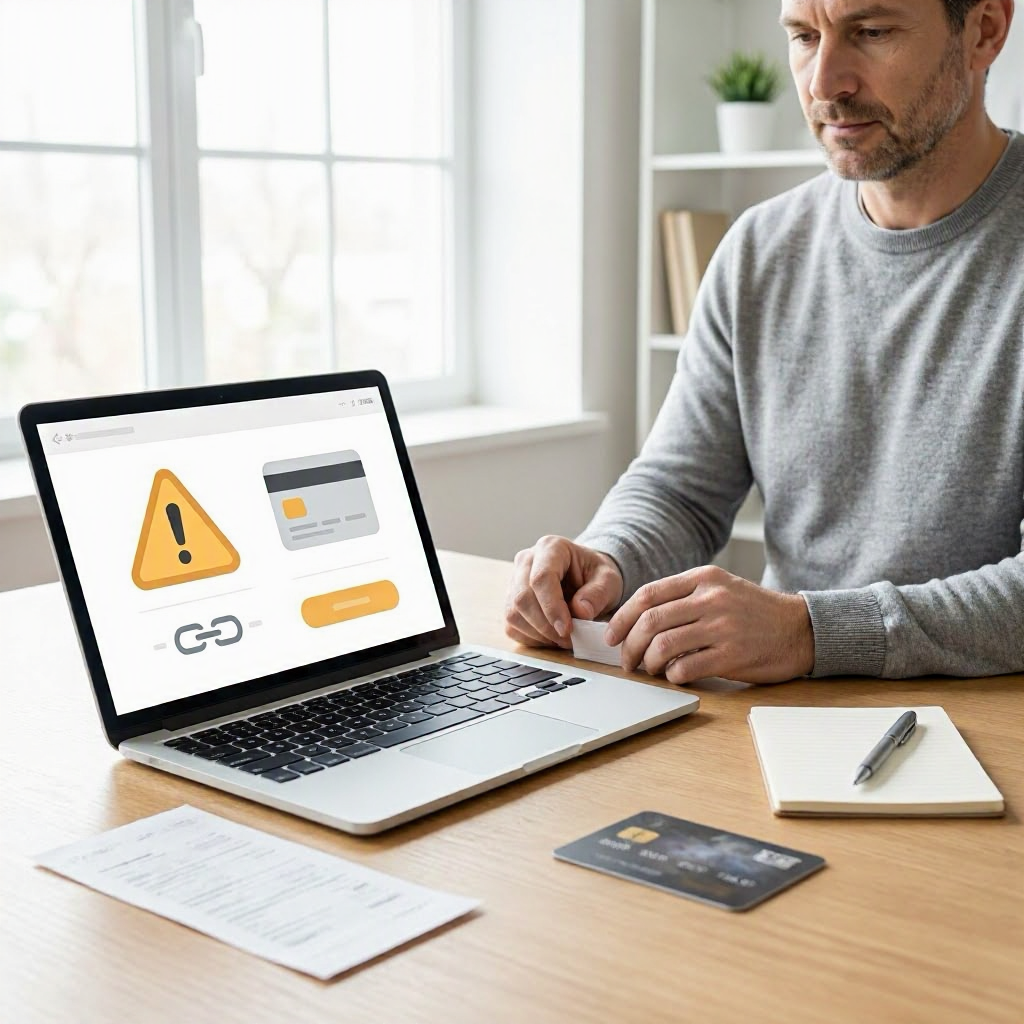
What to do if a Buy Now Pay Later payment went wrong
---
Understanding Buy Now Pay Later Payment Problems
Buy Now Pay Later (BNPL) services let you split online purchases into smaller payments, often interest-free if paid on time. Popular options in the US include Affirm, Afterpay, Klarna, PayPal Pay in 4, and Sezzle. These are common for shopping at retailers like Amazon, Walmart, or fashion sites.
But payments can go wrong. You might see a failed installment, unexpected fees, double charges, or a refund not credited properly. This can happen due to bank glitches, merchant errors, or account issues. The key is acting quickly while gathering proof from your records.
Policies vary by BNPL provider, merchant, and your payment method (like debit card or bank account). Always check your BNPL app or account dashboard first. This guide walks you through steps tailored to US shoppers facing these issues.
Common Ways a BNPL Payment Goes Wrong
BNPL problems often stem from online orders. Here are typical scenarios:
- Failed payment: An installment bounces because of insufficient funds, card expiration, or bank rejection.
- Unauthorized or duplicate charge: Extra fees appear, or the same amount hits twice.
- Late fees or penalties: A payment misses due to processing delays, triggering charges.
- Refund mismatch: You return an item, but the BNPL account doesn't adjust the balance.
- Account hold or suspension: Payments pause after issues, blocking future buys.
- Merchant dispute: The seller ships wrong or damaged goods, complicating payments.
Review your BNPL app notifications and merchant order confirmation right away. Note dates, amounts, and error messages. Save screenshots of everything in the app, including transaction history.
Step 1: Check Your BNPL Account and Records
Before contacting anyone, verify details yourself.
Log into your BNPL provider's official app or website using your account credentials. Look for:
- Transaction history showing payment attempts, statuses, and fees.
- Order details linked to the purchase, including merchant name and amount.
- Upcoming installments and any holds.
- Communications or alerts from the provider.
Cross-check with your bank or card statement. Download PDFs of statements showing the charge descriptor (often the BNPL provider's name, like "AFFIRM*MERCH" or "KLARNA*STORE").
Gather your merchant order confirmation email, tracking number if shipped, and any return receipts. Policies can vary, so note the original purchase date and total.
If the issue ties to a return, confirm the merchant processed the refund through their portal. BNPL refunds typically credit your loan balance, not your original payment method.
Step 2: Contact the BNPL Provider First
Most issues start with the BNPL company, as they manage billing.
Use the official app, website chat, or help center to submit a support ticket. Avoid third-party phone numbers from search results, which could be scams.
What to say in your message:
"Hi, my payment for order [merchant order number] dated [date] failed/charged twice/not refunded. Transaction ID: [from app]. Attached: screenshots of account, bank statement, merchant confirmation. Please review and advise next steps."
Provide:
- Your full name, email, and phone tied to the account.
- Merchant name, order number, and purchase date.
- Exact issue description.
- Screenshots of errors, balances, and statements (redact full account numbers).
BNPL providers must respond, but timelines vary. Follow up every 3-5 business days with your ticket number. Ask for written confirmation of any adjustments, like fee waivers or balance corrections.
If phone support is listed on their official site, call during US business hours. Note the representative's name, date, time, and reference number.
Step 3: Reach Out to the Merchant
If the problem links to the purchase (like a return or undelivered item), contact the seller next.
Use the merchant's official order page or account portal. For marketplaces like Amazon or eBay, start in their messaging system.
Sample message:
"Order [number] purchased [date] via [BNPL provider]. Item was returned/refunded on [date], tracking [number]. My BNPL balance hasn't updated. Please confirm refund sent to [BNPL provider] and provide proof."
Attach:
- Merchant return label and drop-off receipt.
- Product photos if damaged/wrong.
- BNPL transaction screenshot.
Merchants often coordinate directly with BNPL providers for refunds. Save all replies, including emails and chat logs. Do not share your BNPL login or full payment details.
Documentation Checklist for BNPL Issues
Keep a file with these items to strengthen your case:
- BNPL app screenshots: balances, transactions, errors, notifications.
- Bank/card statements: highlighting charges (PDFs preferred).
- Merchant order confirmation, invoice, tracking.
- Return labels, receipts, photos of item/packaging.
- All support chats, emails, ticket numbers.
- Dates/times of contacts and rep names.
Store digitally and print copies. This proof is crucial for disputes or escalations.
When to Consider a Payment Dispute or Chargeback
If the BNPL provider and merchant don't resolve it in 7-10 business days, explore disputes.
BNPL payments often link to your debit card, credit card, or bank account. Protections differ:
| Payment Method Linked to BNPL | Possible Dispute Path | Key Notes |
|---|---|---|
| Credit Card (Visa, Mastercard, Amex) | Card issuer dispute process | Strongest buyer protections under US law; up to 60 days from statement. |
| Debit Card | Bank dispute or Regulation E claim | Faster processing but funds may be held temporarily. |
| Bank Account (ACH) | Bank fraud department | Limited protections; act within 60 days of statement. |
| BNPL App Balance | Internal BNPL dispute | No chargeback; use their resolution center. |
Check your card agreement or bank app for dispute steps. Log in to your card issuer's portal (Chase, Capital One, etc.) and file under "billing error" or "goods not received."
For the dispute:
- Explain the issue clearly.
- Upload all documentation.
- Note attempts to resolve with BNPL/merchant.
Chargebacks reverse the charge to your card, which may credit your BNPL balance indirectly. Your bank or card issuer may have its own dispute process. Success isn't guaranteed and depends on proof and timing.
Escalating to Consumer Protection Resources
If no resolution after disputes, file complaints with US agencies.
Start with the Consumer Financial Protection Bureau (CFPB) for payment issues. Visit consumerfinance.gov/complaint online. They forward to the BNPL provider, who must respond within 15 days.
For scams or unfair practices, use the Federal Trade Commission (FTC) at reportfraud.ftc.gov or consumer.ftc.gov. Include all details and docs.
Contact your state attorney general's consumer protection office via their official site (search "[state] attorney general consumer"). They handle local complaints.
Track complaint numbers and responses. This is general information, not legal or financial advice.
| Issue Type | Primary Agency | What to Submit |
|---|---|---|
| Billing errors, fees, disputes | CFPB | Account statements, support tickets, merchant records. |
| Scams, unauthorized use | FTC | Screenshots of fake sites/emails, transaction proofs. |
| State-specific violations | State AG | Local purchase details, provider contacts. |
Special Cases: Late Fees, Account Suspensions, and Collections
Late fees: Ask the BNPL provider to waive if due to their error or first offense. Provide bank proof of sufficient funds.
Suspensions: Resolve open balances first. Request payment plans via app.
Collections: If sent to agency, dispute inaccuracies with the collector and BNPL provider. Under the Fair Debt Collection Practices Act, they can't harass you. Check credit reports at AnnualCreditReport.com for errors.
Monitor your credit via free weekly reports. Dispute BNPL listings if inaccurate.
Preventing Future BNPL Payment Problems
To avoid repeats:
- Link a reliable payment method; update cards before expiration.
- Set calendar reminders for due dates.
- Enable app notifications for payments.
- Review terms before checkout: fees, grace periods.
- Use credit cards for BNPL when possible for extra protections.
- Shop at trusted US merchants with clear policies.
Verify BNPL offers on official sites. Watch for scam "BNPL" sites mimicking real providers.
Real US Shopper Examples
Sarah from Texas bought shoes via Klarna at a fashion retailer. A payment failed due to a bank glitch; she screenshotted the error, contacted Klarna chat with bank proof, and got the fee waived plus extension.
Mike in Florida returned electronics via Affirm. Refund hit the merchant's end but not his loan. He messaged the retailer with return receipt, then Affirm; balance adjusted in 5 days.
These show persistence with docs pays off. Check the provider’s official policy and your order records each time.
Your situation may differ by state, provider, and details. Use official websites, apps, and account portals when contacting support. If needed, consult your bank or a consumer advisor through verified channels. ---

About the TDL Expert Panel
TDL Expert Panel · TheDigitalLife Editorial Team
TDL Expert Panel is the editorial team behind TheDigitalLife. The team researches, reviews, and creates practical guides to help everyday readers make better decisions about home repair costs, refunds, AI tools, digital safety, productivity, and useful online resources. Each guide is written to be clear, useful, and easy to understand.