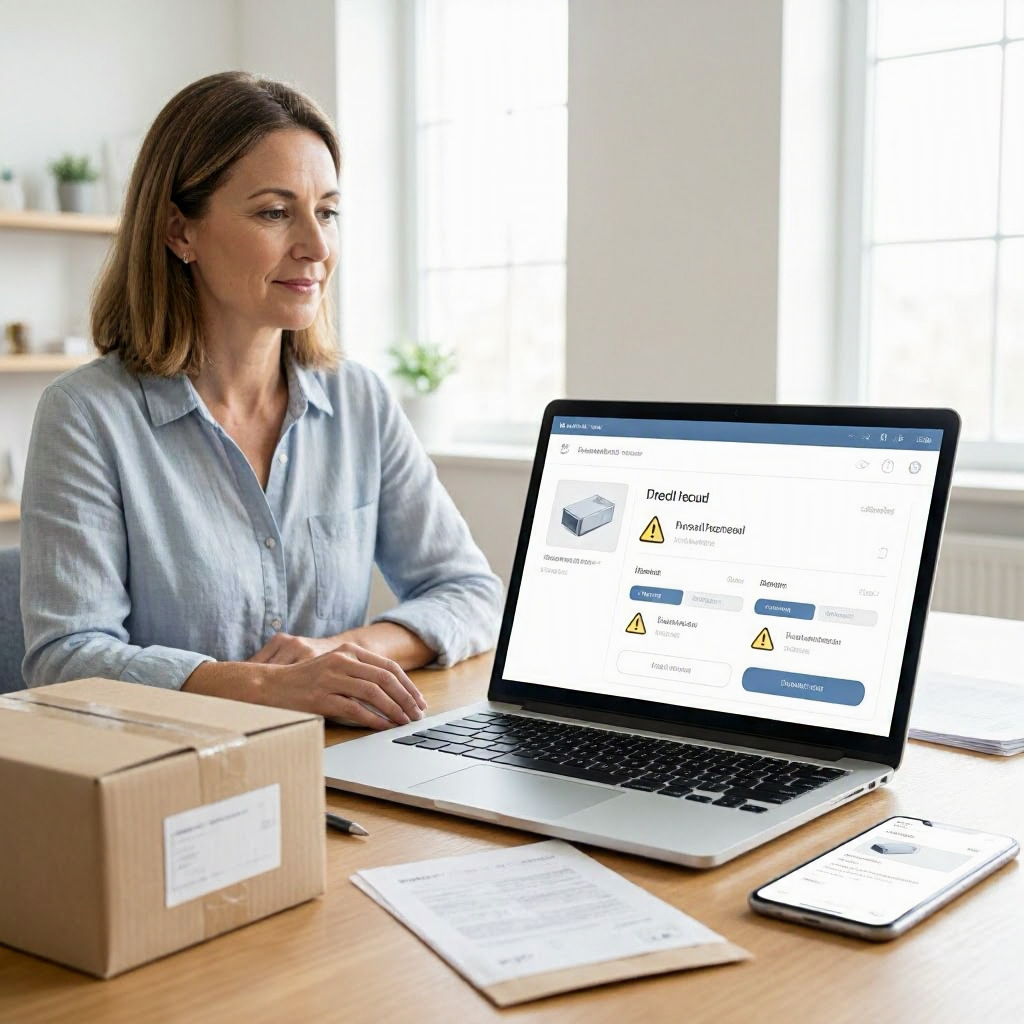
How to get a refund when a product is recalled
---
Understanding Product Recalls and Your Refund Rights
When a product you bought online turns out to be part of a recall, your priority should be safety first. Recalls happen when the U.S. Consumer Product Safety Commission (CPSC) or a manufacturer identifies a serious risk, such as choking hazards, fire risks, or chemical exposure. These affect items like toys, appliances, car seats, and electronics sold through U.S. retailers and online marketplaces.
Policies can vary by retailer, marketplace, payment method, and state. Many recalls include refund or replacement options from the manufacturer, but getting your money back depends on where you purchased the item and how quickly you act. This guide focuses on online purchases in the United States, walking you through practical steps tailored to e-commerce scenarios.
Start by confirming the recall applies to your exact product. Use the model number, serial number, or purchase date from your order confirmation. Keep the product isolated and do not use it until resolved.
Step 1: Verify the Recall Matches Your Product
Before seeking a refund, double-check details to avoid wasting time. Recalls are specific, often covering only certain batches, colors, dates, or UPC codes.
Visit the official CPSC recall page at cpsc.gov/Recalls and search by product name or category. Note the recall date, affected models, and remedy offered, such as a full refund, replacement, or repair voucher.
- Review your order confirmation email, online account history, or receipt for the exact item description, model number, and purchase date.
- Take photos of the product, packaging, labels, and any serial numbers.
- Compare against the recall notice. If it matches, print or screenshot the recall announcement.
If bought from a marketplace like Amazon or Walmart.com, check the seller's listing page in your order history for matching details. Save screenshots of the original listing, price, and description, as they prove what you received.
Step 2: Stop Using the Product Immediately
Safety comes before refunds. The CPSC advises disposing of or returning recalled items as instructed in the recall notice.
For online buyers:
- Do not repackage and resell it yourself.
- Follow manufacturer instructions, often posted on their site or the CPSC page.
- If it's a high-risk item like a crib or battery, secure it away from children or pets.
Document this step with dated photos showing the product stored safely. This proof strengthens refund requests.
Gather Essential Documentation Before Contacting Anyone
Strong records speed up refunds and protect you in disputes. Collect everything related to your online purchase now.
Here's a checklist tailored for e-commerce recalls:
- Order confirmation and receipt (email, app notification, or account download).
- Payment records: Bank or card statement showing the charge, merchant name, date, and amount.
- Shipping details: Tracking number, delivery confirmation, carrier photos if available.
- Product evidence: Clear photos of the item, box, labels, and any defects.
- Recall proof: Screenshot or printout from cpsc.gov/Recalls.
- Communications: All emails, chats, or calls with sellers, including names, dates, and reference numbers.
Store files in a dedicated folder. Use timestamps on photos. This is general information, not legal or financial advice. Policies vary, so verify with official sources.
Contact the Retailer or Online Seller First
Most refunds start here, especially for online buys. Retailers and marketplaces often handle recalls directly to keep customers happy.
For Direct Retailer Purchases (e.g., Target.com, BestBuy.com)
Log into your account and find the order page. Look for a "Contact Us" or "Returns" section mentioning recalls.
- Email or chat with customer service: "I purchased [item name, model #] on [date] via order #[number]. It matches CPSC recall #[number or link]. Please process a refund per the recall remedy."
- Attach your documentation: Order confirmation, photos, recall notice.
- Ask for written confirmation of next steps, refund amount, and timeline.
Monitor your original payment method for the credit. Refunds typically post in 3-10 business days, but follow up if delayed.
For Marketplace Purchases (e.g., Amazon, eBay)
Use the platform's messaging system to contact the seller first. Avoid off-platform emails or calls.
- Open the order details in your account.
- Message the seller: Reference the recall, include proof, and request a refund or return label.
- If no response in 48 hours, escalate to the marketplace's A-to-Z Guarantee (Amazon) or buyer protection (eBay).
Marketplaces may refund even if the seller does not, especially for safety issues. Check the marketplace's help center for recall-specific policies on their official site.
Reach Out to the Manufacturer
Manufacturers issue recalls and often provide direct remedies, regardless of where you bought it.
Find contact info on the CPSC recall page or the brand's official website (search "[brand] recall" on cpsc.gov).
- Call or email using verified numbers: Provide your purchase details, serial number, and proof.
- Request the stated remedy: Full refund checks are common for high-risk items.
- Get a confirmation number and expected processing time.
Use official websites and apps only. Scammers may pose as recall support via fake texts or emails. For example, a recalled pressure cooker bought on Walmart.com might offer a $50 refund check from the maker.
Keep records of all interactions. Manufacturers process claims in 4-6 weeks typically.
Leverage Shipping Carrier Involvement if Needed
Rarely primary for recalls, but if the product arrived damaged and later recalled, note it.
Check tracking for delivery status. Contact the carrier (USPS, UPS, FedEx) via their app or site if investigating a claim helps your case. Save any investigation results.
Payment Provider Options: Disputes and Chargebacks
If the seller, retailer, or manufacturer denies a refund despite clear recall proof, consider your payment method's protections.
Credit cards offer strong chargeback rights under federal law for "not as described" or safety issues. Debit cards and payment apps have similar but weaker processes.
Steps for a Chargeback
- Try resolving with merchant first: Document attempts (most issuers require this).
- Contact your card issuer (number on back of card or statement): "Item from recall #[link], no refund despite proof. Request chargeback for [amount]."
- Submit docs: Order, recall notice, communications, photos.
- Deadlines vary: Often 60-120 days from purchase or issue discovery—check your statement.
For PayPal or apps like Apple Pay, use their dispute center in the app.
Your bank or card issuer may have its own dispute process. Success depends on proof; recalls strengthen cases. No guarantees.
| Purchase Method | First Contact | Dispute Option | Key Doc Needed |
|---|---|---|---|
| Credit Card (Visa, Mastercard) | Retailer/Seller | Chargeback via issuer | Recall notice + order proof |
| Debit Card | Retailer/Seller | Bank dispute | Same + statement |
| PayPal/Venmo | Seller |

About the TDL Expert Panel
TDL Expert Panel · TheDigitalLife Editorial Team
TDL Expert Panel is the editorial team behind TheDigitalLife. The team researches, reviews, and creates practical guides to help everyday readers make better decisions about home repair costs, refunds, AI tools, digital safety, productivity, and useful online resources. Each guide is written to be clear, useful, and easy to understand.