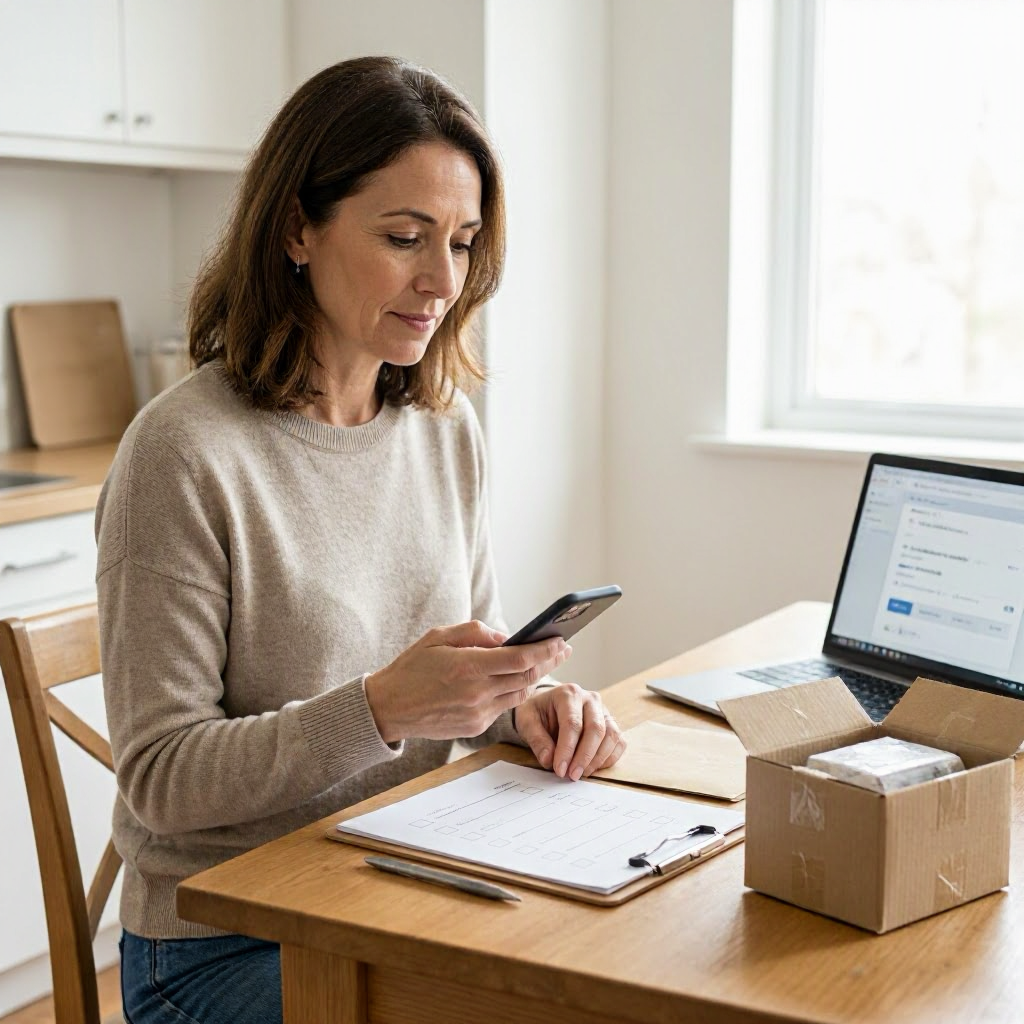
Consumer rights checklist when a PayPal or Venmo purchase goes wrong
Understanding Your Rights with PayPal and Venmo Purchases
When you buy something using PayPal or Venmo and it doesn't arrive, arrives damaged, or isn't as described, you have options to seek a resolution. These payment apps offer buyer protections for many transactions, but success depends on following their processes, gathering proof, and acting within time limits. This checklist guides US consumers through the steps, focusing on common issues like non-delivery, defective items, or unauthorized charges.
Policies vary by transaction type, item eligibility, and your location. Always check the official PayPal or Venmo app, website, or account for your specific case. This is general information, not legal or financial advice.
Step 1: Pause and Gather All Documentation Immediately
Before contacting anyone, collect every piece of evidence. Strong documentation strengthens your case with the seller, PayPal, Venmo, or your bank.
- Order confirmation and receipt: Screenshot or download from your email, seller's site, or marketplace (like eBay or Facebook Marketplace).
- Transaction details: Note the date, amount in USD, merchant/seller name, and PayPal/Venmo transaction ID from your app history.
- Communication records: Save emails, app messages, chats, or texts with the seller, including promises about shipping or refunds.
- Shipping proof: Tracking number, carrier updates, delivery photos, or notes (e.g., "left at front door"). Check USPS, UPS, FedEx, or Amazon Logistics apps for details.
- Item photos: Pictures of the received product showing damage, defects, or mismatch with the listing. Include packaging if relevant.
- Payment statements: Bank or card statements if you funded PayPal/Venmo with a credit/debit card, showing the charge.
- Screenshots of listing: Capture the product description, price, seller profile, and return policy before it changes.
Store everything in a dedicated folder on your phone or computer, dated and organized. Take screenshots showing dates and times. If the item never arrived or was stolen after delivery, note neighborhood details like porch cameras or neighbor witnesses.
Step 2: Review Transaction Eligibility and Time Limits
Not all purchases qualify for protection. Log into your PayPal or Venmo account to confirm.
- Open the app or site, go to your transaction history, and select the purchase.
- Check if it's marked as "Goods and Services" (protected) vs. "Friends and Family" (not protected). PayPal and Venmo buyer protection applies mainly to goods/services payments.
- Note deadlines: PayPal typically requires disputes within 180 days of payment or expected delivery; Venmo has similar timelines but check your specific transaction.
- Review the seller's policy on their site or marketplace page for return windows, often 30 days.
If ineligible (e.g., services, gift cards, or international sellers with restrictions), your options narrow to seller contact or bank chargeback. Use the official PayPal Help Center (paypal.com/us/smarthelp) or Venmo Help Center for details.
Step 3: Contact the Seller Through Official Channels
Most issues resolve here. Avoid phone calls or external emails to prevent scams.
How to Reach the Seller Safely
- Via PayPal/Venmo messaging: Use the in-app "Message" or "Request" feature tied to the transaction. This keeps records protected.
- Marketplace messaging: If bought on eBay, Etsy, or Facebook, use their system first, then loop in PayPal/Venmo.
- Sample message: "Hi, I purchased [item] on [date] (Transaction ID: [ID]). It [didn't arrive/hasn't shipped/is damaged]. Please provide a refund, replacement, or tracking update within 3 business days. Attached: screenshots."
Give them 3-5 business days to respond. Document their reply, including any refund promises. If no response or denial, proceed to dispute.
Tip for US shoppers: Sellers must comply with FTC rules on truthful advertising, but enforcement starts with you documenting the mismatch.
Step 4: Open a Dispute in PayPal or Venmo
If the seller doesn't fix it, file a dispute promptly.
PayPal Dispute Process
- Log into paypal.com or the app.
- Go to Resolution Center > Report a Problem.
- Select the transaction, choose issue (e.g., "Item Not Received," "Significantly Not as Described").
- Upload your documentation.
- Submit and note the dispute ID.
PayPal mediates for up to 20 days. Buyer protection covers eligible tangible goods up to $20,000, excluding intangibles like digital items unless specified.
Venmo Dispute Process
- Open Venmo app > Payments tab > select transaction.
- Tap "..." > Report a Problem.
- Describe issue, attach proof.
- Venmo reviews and may refund directly for protected purchases.
Both platforms notify the seller. Monitor updates via app notifications. Do not accept external payment requests during this.
Step 5: Escalate to a Claim
If mediation fails:
- In PayPal: Convert dispute to claim in Resolution Center. PayPal decides based on evidence, often within 30 days.
- In Venmo: Similar escalation; they may side with you if proof shows non-delivery or defect.
Outcomes vary: You might get a full/partial refund to your PayPal/Venmo balance or original payment method. Track via statements.
| Common Purchase Problem | Key Proof to Upload | Expected Timeline |
|---|---|---|
| Item not received | Tracking screenshots, expected delivery date | Dispute within 180 days of expected arrival |
| Damaged or defective | Before/after photos, listing description | Within 180 days of receipt |
| Wrong item sent | Photos vs. listing screenshots | Same as above |
| Never shipped | Seller messages, order confirmation | Within 180 days of purchase |
Step 6: Explore Chargeback Options if Needed
If PayPal/Venmo denies or delays, and you paid with a linked credit/debit card or bank:
- Credit card chargeback: Strongest protection under US law (Fair Credit Billing Act). Contact issuer within 60 days of statement date showing the charge.
- Call number on card back.
- Provide transaction details, PayPal/Venmo dispute outcome, and proof.
- Debit card or bank: Similar, but weaker protections; time limits often 60 days.
- Venmo/PayPal-funded? Chargeback the funding source.
Do not file chargeback while PayPal/Venmo dispute is open—it may close your account. Sample bank script: "I'd like to dispute charge [amount] to [merchant] on [date] for [reason]. Here's my documentation."
Monitor for reversals; sellers can fight chargebacks.
| Funding Method | Protection Level | Next Step After App Denial |
|---|---|---|
| Credit card | High (zero liability for unauthorized) | Contact issuer directly |
| Debit card | Medium | Bank dispute process |
| Bank account | Low | Limited recourse |
| PayPal balance | App-dependent | Escalate claim first |
Step 7: Escalate to Consumer Protection Resources
If all else fails and loss exceeds $50-100:
- FTC complaint: File at reportfraud.ftc.gov for scams or unfair practices. Helps patterns, not individual refunds.
- CFPB for payment issues: consumerfinance.gov/complaint if financial harm.
- State Attorney General: Search "[your state] attorney general consumer complaint" for local office. E.g., California or New York have strong e-commerce units.
- BBB or marketplace reports: Optional for reputation pressure.
Keep claim numbers. No guaranteed recovery, but reports protect others.
Handling Specific Scenarios
Non-Delivery or Missing Package
- Verify tracking: Check if "delivered" to wrong spot, locker, or neighbor.
- Wait 3 days post-"delivered" before disputing.
- Checklist:
- Screenshot tracking history.
- Contact carrier (USPS Informed Delivery for mail).
- File police report for porch piracy if valuable.
Damaged or Not-as-Described Item
- Don't use/repair it first—photos preserve claim.
- Request prepaid return label from seller.
- If refused, use PayPal/Venmo for refund without return (policy-dependent).
Subscription or Recurring Charges via PayPal/Venmo
- Cancel in merchant account first.
- Dispute unauthorized renewals as "unauthorized transaction."
- Monitor statements 30 days post-cancellation.
Potential Scams
Watch for: - Seller demands off-app payment (e.g., "Send via Zelle"). - Fake tracking links via text/email. - Urgency like "Pay now or lose deal." - Verify seller via official marketplace profile.
Safer shopping: Use goods/services option, buy from verified sellers, enable purchase notifications.
Preventing Future Issues
- Link cards with purchase protection.
- Set spending limits in apps.
- Use virtual card numbers for one-time buys.
- Review terms before "Buy Now."
- Enable two-factor authentication.
For students or seniors: Share this checklist; family plans can monitor shared accounts.
This process empowers you to act methodically. Check official PayPal (paypal.com/us/legalhub) and Venmo (venmo.com/legal/us-buyer-protection) pages for updates. Policies can change, so verify in your account.
(Word count: 2628)

About the TDL Expert Panel
TDL Expert Panel · TheDigitalLife Editorial Team
TDL Expert Panel is the editorial team behind TheDigitalLife. The team researches, reviews, and creates practical guides to help everyday readers make better decisions about home repair costs, refunds, AI tools, digital safety, productivity, and useful online resources. Each guide is written to be clear, useful, and easy to understand.