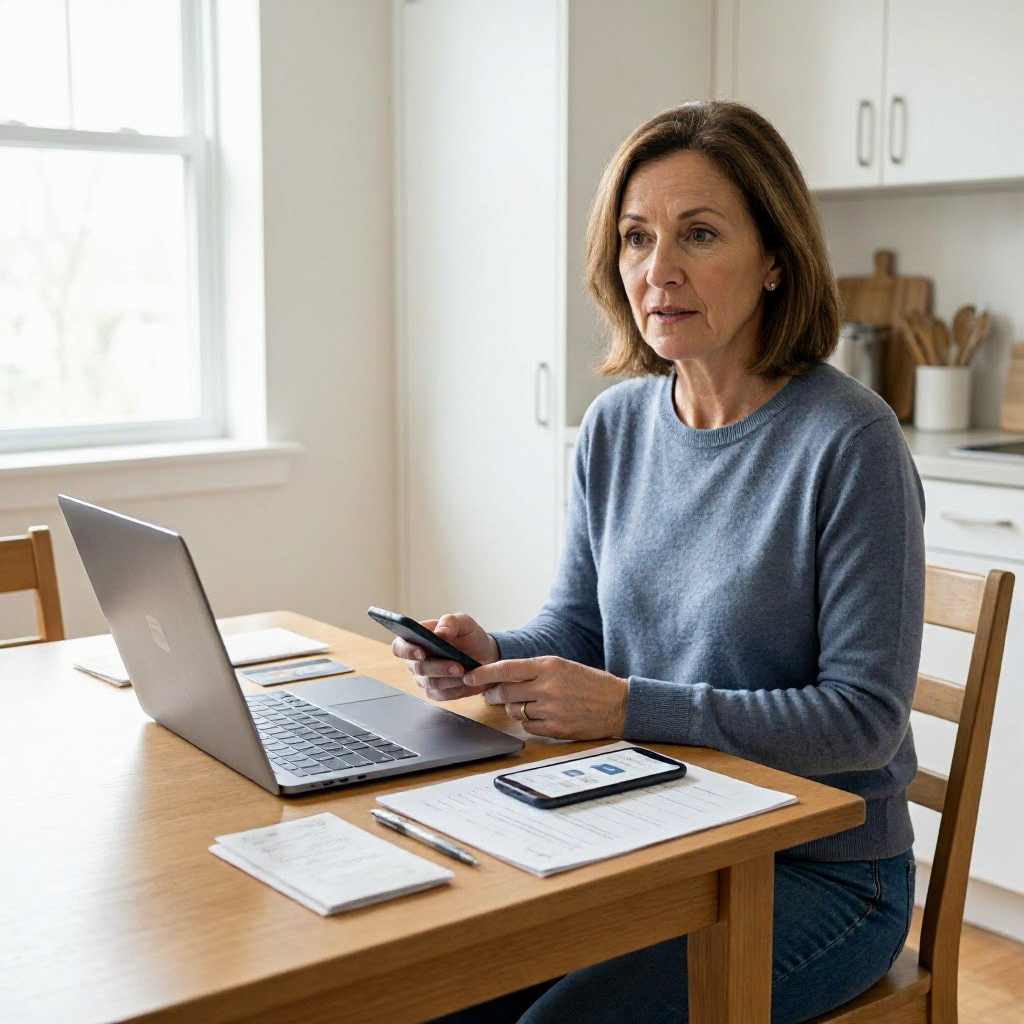
Consumer rights checklist when a free trial turned into a paid charge
Spotting the Surprise Charge from Your Free Trial
You've signed up for what seemed like a harmless free trial, maybe for a streaming service, beauty box, meal kit, or fitness app. A few days or weeks later, your bank or credit card statement shows an unexpected charge, often $20 to $100 or more. This is a common issue in US online shopping, where free trials automatically convert to paid subscriptions if not canceled in time.
Policies vary by merchant, but under US federal law like the FTC's rules on negative option marketing, companies must clearly disclose trial terms, make cancellation easy, and honor refund requests for unauthorized charges. This is general information, not legal advice. Always check the merchant's official policy and your records first.
Your first goal: stop future charges, recover your money if possible, and document everything. Follow this checklist to protect your rights.
Essential Documentation Checklist Before Taking Action
Gather proof right away, as it strengthens your case with merchants, banks, or regulators. Save everything in a dedicated folder on your computer or phone.
| What to Document | Why It Matters | How to Get It |
|---|---|---|
| Order confirmation email | Shows trial signup date, terms, and any fine print on auto-renewal. | Check your email inbox, spam folder, or merchant account. |
| Payment statement | Confirms charge date, amount, merchant name, and transaction ID. | Download from your bank, card issuer, or app like Venmo/PayPal. |
| Subscription terms screenshot | Proves (or disproves) clear disclosure of trial length and billing. | From signup page, merchant site, or app settings. |
| Cancellation confirmation | Evidence you tried to stop charges. | From account portal, email, or chat log. |
| All communications | Builds a timeline of your efforts. | Screenshots of chats, emails, call notes (date, time, rep name). |
| Account login details | For accessing cancellation options. | Note username without saving passwords. |
Keep originals; don't delete anything. This table covers the basics, but add photos of product (if received) or tracking if shipped.
Step 1: Verify the Charge and Review Terms
Start by confirming it's not a mistake. Log into your merchant account using the official website or app, not links from emails.
- Check your account dashboard for subscription status, billing history, and trial end date. Note if the charge matches the advertised price.
- Review the original signup: Did the terms mention "trial ends and bills automatically unless canceled"? Look for renewal notices sent via email.
- Compare the merchant name on your statement to the company you signed up with. Sometimes, charges appear under a parent company or processor.
Example: A $1 trial for an app might bill $49.99 after 7 days. If terms were buried in fine print, note that for your dispute.
If unclear, search your email for the merchant name plus "trial" or "renewal." US consumers have rights under the FTC's Restore Online Shoppers' Confidence Act, which requires clear disclosures, but enforcement varies.
Step 2: Cancel the Subscription Right Away
Prevent more charges. Most merchants require cancellation through their official account portal or app.
- Log in securely (use official site, enable 2FA).
- Navigate to "Account," "Billing," or "Subscriptions."
- Select "Cancel" and follow prompts. Look for "cancel at end of period" vs. immediate.
- Save the cancellation confirmation screen or email immediately.
Sample cancellation message if no portal works (email to official support@merchant.com):
Subject: Cancel Subscription # [Your Account/Order ID]
Hello,
I signed up for the [Product Name] free trial on [Date]. Please cancel my subscription effective immediately. Account email: [Your Email]. Confirm in writing.
Thank you,
[Your Name]
If phone support: Call the number on their official site (avoid Google searches). Ask for written confirmation via email.
Watch your statements for 30 days post-cancellation. Some bill at cycle end.
Step 3: Request a Refund from the Merchant
Many merchants offer prorated or full refunds for first charges if requested promptly. Act within their policy window, often 14-30 days.
- Use the official help center or "Contact Us" on their site.
- Submit via chat, email, or ticket system with your documentation attached.
- Be polite but firm: Reference trial terms, charge date, and cancellation.
Sample refund request email:
Subject: Refund Request for Unauthorized Charge After Free Trial - Order # [ID]
Dear Support,
I enrolled in the [Product] free trial on [Date], expecting no charge without notice. Your statement shows a $XX.XX charge on [Date]. I've canceled (confirmation attached). Please refund to my original payment method. Attached: statement, terms screenshot, cancellation proof.
Account: [Email/Phone].
Best,
[Name, Address, Phone]
Track response time: Follow up after 3-5 business days if no reply. Policies vary; some like Amazon Prime refund easily, others resist.
If refunded, confirm credit posts within 5-10 business days.
Step 4: Dispute the Charge with Your Payment Provider
If the merchant denies or ignores, escalate to your bank, card issuer, or payment app. Credit cards offer strongest protections under Fair Credit Billing Act (up to $50 liability for billing errors).
| Payment Method | First Steps | Key Tips |
|---|---|---|
| Credit Card (Visa, MC, Amex) | Call number on back of card or app. File "billing dispute." | Provide merchant details, charge date/amount. Time limit often 60 days from statement. |
| Debit Card | Contact bank; dispute via app/online banking. | Faster processing but funds may be held temporarily. |
| PayPal/Venmo | Log in, go to Resolution Center, file claim. | Buyer protection for unauthorized charges; 180-day window. |
| Bank Transfer/ACh | Contact bank; harder to reverse. | Gather strong proof; success less likely. |
What to provide:
- Statement showing charge.
- Signup/merchant communications.
- Cancellation/refund denial proof.
- Timeline of your efforts.
Your issuer investigates (10-45 days). They may provisionally credit you. This is general info; check your card's terms.
Avoid chargebacks as first step; try merchant resolution first for better outcomes.
Common Challenges and How to Handle Them
Merchant Claims You Agreed
If they send "reminder emails" you missed, politely note if disclosures were unclear. Attach proof no product/service was used.
Multiple Charges
Dispute each separately. Cancel first to stop recurrence.
No Product Received
Stronger case for full refund/chargeback. Reference FTC mail/telephone order rules (delivery within 30 days or cancel).
Foreign Merchant
US protections apply if charged to US card, but recovery harder. Use card dispute.
For seniors or students: Extra caution with app trials; set calendar reminders.
When to Escalate to Consumer Protection Agencies
If no resolution after 30 days:
- FTC: Report at consumer.ftc.gov for patterns (helps investigations). No individual refunds.
- CFPB: File complaint at consumerfinance.gov if payment-related.
- State Attorney General: Search "[Your State] consumer protection" for local office. Useful for patterns.
- BBB: Optional for merchant pressure.
Document agency confirmation numbers. These don't guarantee money back but build public records.
Preventing Free Trial Traps in Future Online Shopping
- Read before clicking: Search terms for "auto-renew," "trial," "cancel by."
- Use calendar: Set alerts 2-3 days before trial ends.
- Trial cards: Some banks offer virtual single-use cards for trials.
- Opt for PayPal: Easier disputes.
- Check reviews: Search "[Merchant] free trial charges" on Reddit, BBB.
Verify sites: HTTPS, clear contact info, US address. Avoid "1-click" trials without terms.
Key reminder: Policies vary by merchant, state, and payment. This guide empowers your steps, but verify via official channels. Monitor statements monthly.
Your proactive checklist turns frustration into control. Many recover funds this way.

About the TDL Expert Panel
TDL Expert Panel · TheDigitalLife Editorial Team
TDL Expert Panel is the editorial team behind TheDigitalLife. The team researches, reviews, and creates practical guides to help everyday readers make better decisions about home repair costs, refunds, AI tools, digital safety, productivity, and useful online resources. Each guide is written to be clear, useful, and easy to understand.