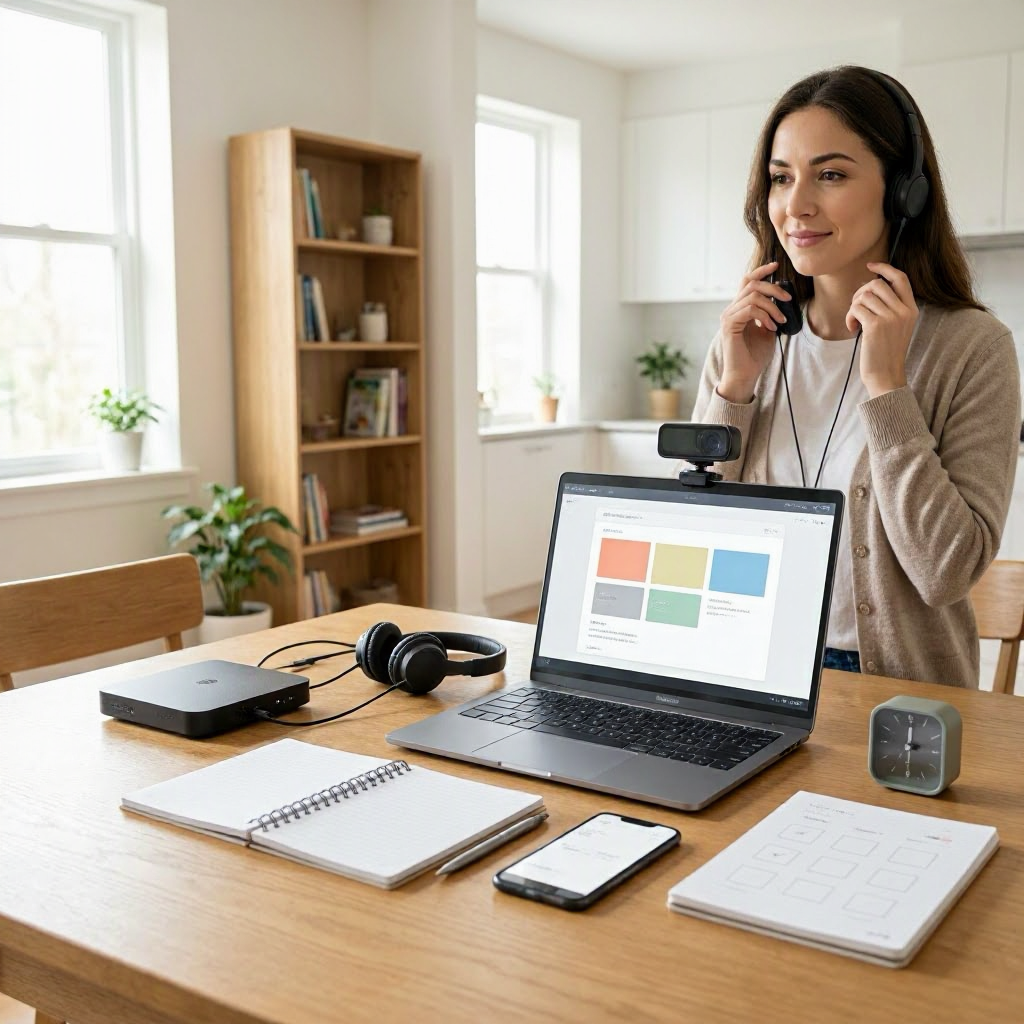
Remote Team Communication checklist for work from home employees
---
Why Remote Team Communication Needs a Checklist for Work-from-Home Employees
Working from home in the US has become standard for many employees, freelancers, and contractors since the pandemic shift. But without clear communication, remote teams face misunderstandings, missed deadlines, and frustration. A dedicated checklist keeps everyone aligned, reduces email overload, and boosts productivity.
This guide provides a complete remote team communication checklist tailored for WFH setups. It covers daily routines, tools, meetings, updates, and boundaries. Use it to create habits that work in US remote or hybrid environments, whether you're at a startup in Austin or a corporate team in New York.
You'll find actionable steps, sample messages, and workflows you can implement today. Print the checklists or add them to your task app for quick reference.
Choose the Right Tools Without Overload
Start with tools that match your team's needs. Overloading with apps leads to confusion, so pick 2-3 core ones and stick to them.
- Chat apps: Slack or Microsoft Teams for quick messages. Use channels like #project-x or #team-updates to organize topics.
- Video calls: Zoom, Google Meet, or Teams for face-to-face talks.
- Shared docs: Google Workspace or Microsoft 365 for collaborative editing.
- Task trackers: Asana, Trello, or the built-in tools in Slack/Teams for assignments.
Checklist for tool setup: 1. Confirm team-wide adoption: Ask your manager, "Which tools should we prioritize for daily use?" 2. Set notification rules: Mute non-urgent channels during focus time. 3. Create templates: Pin message templates in Slack for status updates. 4. Test integrations: Link your calendar to Teams for automatic meeting invites.
For details, check official help pages like Slack Help, Microsoft Support, or Google Workspace Support.
Avoid switching tools mid-project. One freelancer in Chicago shared how standardizing on Google Workspace cut their response time by half.
Daily Communication Routine Checklist
Build a predictable daily flow to stay connected without constant pings. This prevents "Where's the update?" emails.
Morning Check-In (First 30 Minutes)
Kick off your day with a quick team pulse.
Morning checklist:
- Review overnight messages: Scan Slack/Teams channels for 5 minutes. Reply to urgent items only.
- Post daily status: Share in a dedicated #daily-standup channel: "Today: Finish Q2 report, client call at 2 PM. Blockers: None."
- Check shared calendar: Note team meetings or deadlines. Block your focus time visibly.
- Sync with manager: Send a 1-line Slack: "Good morning, priorities confirmed for today?"
Sample message: "Team, today's focus:
- Client deck revisions (due EOD)
- Review marketing data
- Available 10-12 for questions. Ping if urgent."
Throughout the Day Updates
Keep threads short and threaded.
Intra-day checklist:
- Respond within 2 hours to direct mentions during work hours (9 AM-5 PM ET/PT as needed).
- Use threads: Reply in-thread to avoid clutter. Example: "Updating on the budget sheet, link here."
- Flag blockers early: Message: "Stuck on API access, @manager can you approve?"
- Share progress: Mid-afternoon ping: "Client report 80% done, feedback welcome."
- Time zone awareness: For cross-US teams (e.g., East to West Coast), note "Responding PST tomorrow."
Set Slack status: "Focus mode until 3 PM" to manage expectations.
End-of-Day Wrap-Up (Last 15 Minutes)
Close loops to start fresh tomorrow.
EOD checklist:
- Post summary: "Accomplished: Report sent. Tomorrow: Final review. Questions?"
- Clear inbox: Archive or delegate unresolved items.
- Log tasks: Move unfinished work to tomorrow's list in Asana/Trello.
- Sign off visibly: Update status to "Offline" and add "Back tomorrow at 9 AM."
Sample EOD: "Wrapping up: ✅ Client report delivered ✅ Team sync notes filed Tomorrow: Pitch prep. Have a good evening!"
This routine cuts weekend work emails by fostering closure.
Meeting Communication Checklist
Remote meetings drain time if unstructured. Use this to make them efficient.
Pre-meeting prep: 1. Agenda first: Share 24 hours ahead via Google Doc: "1. Review Q1 metrics (10 min). 2. Assign Q2 tasks." 2. Right attendees: Invite only essentials. Use "optional" for others. 3. Tech check: Test mic/camera 5 minutes early. Have backup link ready. 4. Time block: Schedule 25/50 minutes to allow buffer.
During meeting:
- Start on time: "Let's dive in, agenda pinned."
- Assign note-taker: Rotate weekly; share Google Doc live.
- One speaker: Use "raise hand" in Teams/Zoom.
- Decisions documented: "Action: @John owns client follow-up by Friday."
- End early if done: "All set? Great, thanks everyone."
Post-meeting:
- Send recap within 1 hour: "Key decisions: Budget approved. Next steps attached."
- Follow up: Slack unassigned actions: "Confirming you got this?"
For hybrid teams, record for absentees and note in chat.
Asynchronous Communication Guidelines
Not everything needs real-time. Async saves sanity in distributed US teams.
Async checklist:
- Default to written: Use Loom video for complex explanations (under 3 minutes).
- Be specific: Include context, deadline, owner. "Review this doc by EOD Wednesday, @team."
- Response SLAs: Team agreement: "Routine replies in 24 hours, urgent in 4."
- Status indicators: Emoji reacts (👍 for seen, ❓ for questions).
- File naming: "ProjectX-Report-2023-10-05-v2.pdf" for easy search.
Sample Loom script: "Quick update on sales pipeline. Here's the dashboard walkthrough, questions in comments."
This works well for freelancers collaborating with agencies across time zones.
Status Update and Progress Tracking Templates
Regular updates prevent surprises. Customize these for your workflow.
Weekly status template (Slack or email): ``` Week of [Date]: ✅ Completed: 3 client calls, report draft. 🔄 In Progress: Budget model (80%). 📋 Next: Stakeholder review Fri. Blockers: Data access delay. ```
Project milestone checklist: 1. Define milestones upfront in Trello. 2. Weekly ping: "Milestone 2 status?" 3. Use progress bars if your tool supports. 4. Escalate if off-track: "Risk: Delay by 2 days, mitigation plan attached."
For small businesses, share via shared OneDrive folder.
Handling Feedback, Conflicts, and Escalations
Clear comms resolve issues fast.
Feedback checklist:
- Give specific: "The report layout confused me, suggest bullet summaries."
- Receive openly: "Thanks for the note, updating now."
- Private channels: DM for personal feedback.
Conflict resolution: 1. Acknowledge: "I see your point on timing." 2. Clarify facts: "Deadline was EOD per email." 3. Propose solution: "Meet 15 min to align?" 4. Escalate if needed: Loop manager politely.
Sample: "Hey @colleague, noticed overlap on task X. Can we chat to divide?"
File Sharing and Document Organization
Lost files kill momentum.
Checklist:
- Central hub: One Drive, Google Drive, or SharePoint folder per project.
- Naming convention: "ClientName-DocType-Date-Owner."
- Permissions: Viewer for most, editor for owners.
- Version control: "v1, v2" or use built-in history.
- Link over attach: Paste Drive links in Slack.
Weekly audit: "Clean up old files?"
Setting Communication Boundaries for WFH Sustainability
Poor boundaries lead to burnout. Protect your time.
Boundaries checklist:
- Core hours: Share "Available 10 AM-4 PM" in profile.
- Do not disturb: Block 2-hour focus slots daily.
- Notification hygiene: Off after 6 PM, weekends muted.
- Vacation auto-reply: "Out until [date], @backup handles urgent."
- Weekly offload: Friday review to delegate.
Discuss in team kickoff: "What's our after-hours policy?"
To check workload: "Before adding tasks, current priorities: A, B, C. Okay to shift?"
Common Mistakes to Avoid in Remote Team Comms
Steer clear of these pitfalls:
- Vague messages: Bad: "Update me." Good: "Status on invoice by noon?"
- Meeting overload: Limit to 3/day max.
- No closure: Always confirm receipt: "Got it, on it."
- Ignoring async: Don't Slack someone on video leave.
- Over-explaining: Stick to facts.
One remote worker in Seattle avoided 50% email by batching responses.
Remote Team Communication Master Checklist
Use this printable table as your go-to reference. Review weekly.
| Category | Checklist Items | Frequency |
|---|---|---|
| Tool Setup | Confirm 2-3 core tools; set notifications; create templates | Weekly |
| Morning | Review messages; post status; check calendar | Daily |
| Intra-Day | Respond timely; thread replies; flag blockers | As needed |
| EOD | Summary post; task log; sign off | Daily |
| Meetings | Share agenda; document actions; send recap | Per meeting |
| Async | Specific requests; response SLAs; emoji status | Always |
| Updates | Use templates; track milestones | Weekly |
| Files | Central hub; name consistently; link only | Per share |
| Boundaries | Core hours; DND blocks; mute off-hours | Daily setup |
| Feedback | Specific, private; propose solutions | As needed |
Communication Workflow for New Projects
For launches, follow this sequence:
- Kickoff doc: Shared Google Sheet with roles, timeline.
- Daily standups: 15-min Teams, async via Slack if async team.
- Milestone gates: "Approve before proceed?"
- Risk log: Shared Trello for blockers.
- Retro: End-of-project: "What worked in comms?"
Example for freelancers: "Contractor kickoff: Goals, weekly check-in, invoice process."
Scaling for Growing Remote Teams
As teams expand (common in US tech hubs), add:
- Channel hygiene: Archive inactive ones monthly.
- Onboarding checklist: New hire Slack intro, tool tour video.
- Cross-team bridges: #cross-functional channel.
- Quarterly audit: Survey: "Comms working 1-10?"
Integrating with Time Management
Tie comms to your calendar:
- Block "Comms batch" 9-9:30 AM, 3-3:30 PM.
- Use recurring events for standups.
- Prioritize: High-impact first (manager updates).
Sample blocked day: 9 AM comms, 10-12 deep work, 2 PM meetings.
Reducing Meeting Fatigue
US remote workers average 20+ hours/week in calls. Cut it:
Checklist:
- Propose async alternatives: "Video or doc review?"
- Camera optional policy.
- Walk-and-talk for 1:1s.
- Post-meeting no-meeting buffer.
Quick Scripts for Common Scenarios
Copy-paste these:
- Clarify priority: "To align, is [task A] before [B]?"
- Request extension: "Running behind due to data issue. New deadline Friday OK?"
- Delegate: "@you, can you own this? CC me on updates."
- Availability: "Heads up, out 1-3 PM doctor's appt."
- Thank you: "Appreciate the quick turnaround!"
Long-Term Habits for Sustainable Comms
- Monthly review: Team huddle on comms pain points.
- Personal audit: Track time in Slack vs. work output.
- Learn from wins: Share "This async update saved hours."
For contractors, invoice comms: "Payment terms: Net 30, via ACH."
Final Thoughts on Your Checklist Implementation
Download this checklist to Notion or print it. Start with daily routines this week. Track improvements: Fewer "Where are we?" messages mean success.
Adapt for your setup, like hybrid commuters in LA. Consistent use builds trust and productivity in any WFH role.
(Word count: 2784) ---

About the TDL Expert Panel
TDL Expert Panel · TheDigitalLife Editorial Team
TDL Expert Panel is the editorial team behind TheDigitalLife. The team researches, reviews, and creates practical guides to help everyday readers make better decisions about home repair costs, refunds, AI tools, digital safety, productivity, and useful online resources. Each guide is written to be clear, useful, and easy to understand.