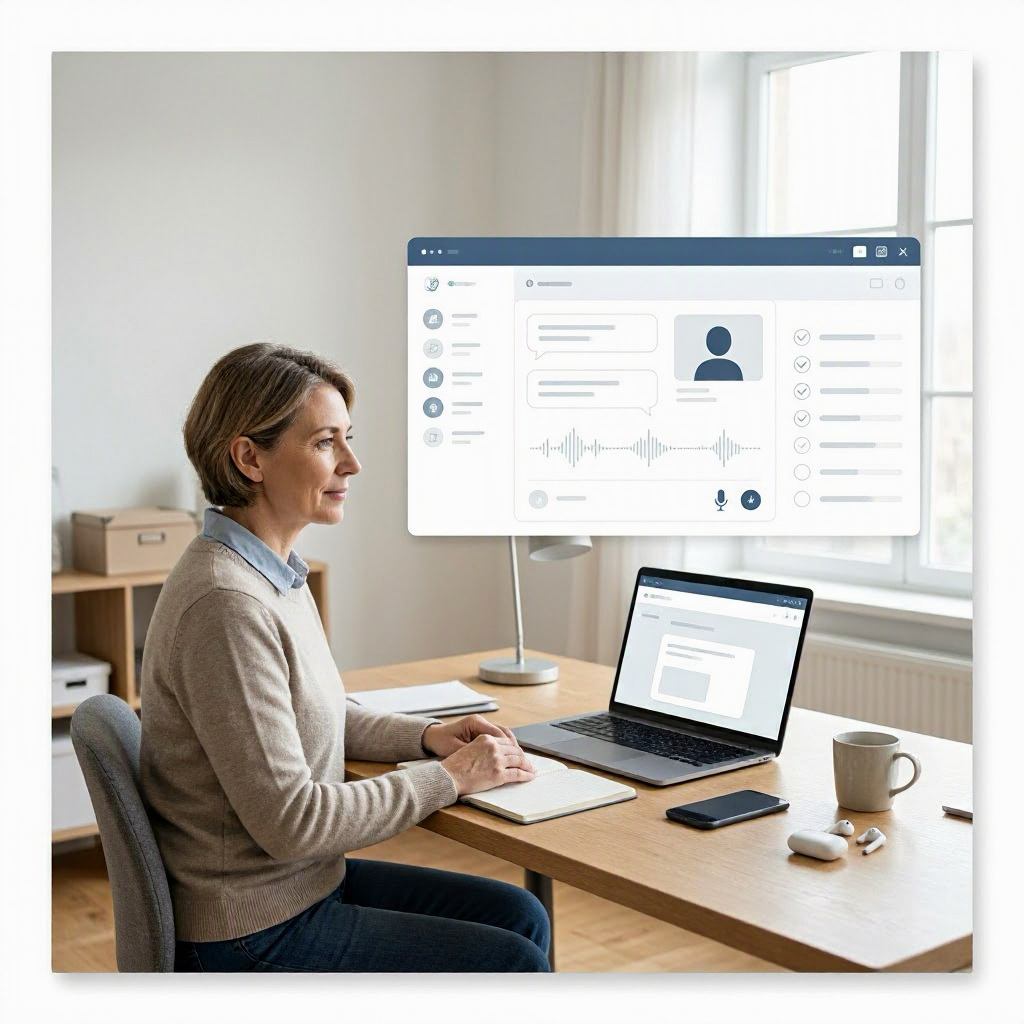
How to use AI for job interview practice step by step
---
Why AI is a Game-Changer for Job Interview Practice
Job hunting in the US can feel overwhelming, with platforms like LinkedIn and Indeed flooded with openings from companies like Amazon, Google, and startups across tech hubs like Silicon Valley or Austin. Practicing interviews helps build confidence and refine answers, but scheduling mock sessions with friends or coaches costs time and money, often $50 to $200 per hour through services like Interviewing.io.
AI tools change that. They let you practice anytime, for free or low cost, simulating real interviews from entry-level retail roles at Walmart to senior positions at JPMorgan Chase. Tools like ChatGPT, Google Gemini, and Microsoft Copilot act as on-demand interviewers, providing instant feedback without judgment.
This approach works best for behavioral, technical, and case interviews common in US hiring. However, AI isn't perfect, it can hallucinate details or miss nuances, so always cross-check company specifics on their careers page and treat AI as a supplement to human practice.
Selecting the Right AI Tools for Your Needs
Start with accessible, no-cost options popular among US job seekers.
ChatGPT from OpenAI offers a free version at chat.openai.com, with a paid ChatGPT Plus at $20/month for faster responses and GPT-4o access. It's versatile for generating questions and feedback. Check help.openai.com for usage limits.
Google Gemini (gemini.google.com) integrates with Google Workspace, free for basics, ideal if you use Gmail or Docs. Verify features at support.google.com/gemini.
Microsoft Copilot works via copilot.microsoft.com or Edge browser, free with a Microsoft account. It's strong for professional tones, tying into LinkedIn for job context. See support.microsoft.com/copilot.
For privacy-focused practice, use incognito mode or local tools like Ollama if you're technical, but stick to major ones for reliability. Avoid lesser-known apps without verified privacy policies.
Choose based on your setup: ChatGPT for depth, Gemini for Google users, Copilot for Microsoft ecosystems. Test each with a simple prompt to see response style.
Preparing Before Your AI Practice Session
Success starts with setup. Block 30 to 60 minutes in a quiet space, like your home office, and have your resume, job description, and notes ready.
Anonymize sensitive info. Replace your real name, address, or Social Security number with placeholders like "[Your Name]" or "[City, State]". Never input confidential employer data, as AI providers store chats unless you opt out, per their policies.
Research the role using Glassdoor, LinkedIn, or the company's site. Note common questions for your industry, like "Tell me about a time you handled conflict" for management or "Explain REST APIs" for software engineering.
Gather tools: a webcam for recording responses, Google Docs for notes, and your phone's voice recorder. This mimics virtual interviews via Zoom, standard for remote US jobs.
Step 1: Generate Tailored Practice Questions
Begin by prompting AI to create realistic questions based on the job.
Use this base prompt template, customizing brackets:
``` You are a hiring manager at [Company Name, e.g., "Google"] interviewing for [Job Title, e.g., "Software Engineer II"] in [Industry/Location, e.g., "tech in San Francisco"].
Generate 10 practice questions: 5 behavioral (using STAR method: Situation, Task, Action, Result), 3 technical/skills-based, and 2 situational.
Include why each question matters for this role. Number them and suggest follow-ups. Ask if I need more details on the job. ```
Example for a marketing coordinator at Nike:
AI might output: 1. Behavioral: "Describe a campaign you led that increased engagement." (Tests project management; follow-up: What metrics improved?) This reveals if AI understands role priorities, like data-driven marketing.
Why it works: Role assignment grounds responses in reality, STAR ensures structured practice, and follow-ups simulate probing.
Run 2-3 rounds, varying question types. Save outputs in a Doc for reuse.
Step 2: Simulate the Real Interview
Treat AI as the interviewer. Respond aloud or type, then paste back for review.
Prompt for simulation:
``` Act as [Hiring Manager persona, e.g., "VP of Engineering at Meta"]. We are starting a 30-minute mock interview for [Job Title]. Ask one question at a time. Wait for my response before the next. After each, give brief feedback on clarity and relevance. End with overall score out of 10 and improvement tips. ```
Record yourself answering. Speak naturally, aiming for 1-2 minutes per behavioral question.
For technical roles, add:
``` Include coding challenges solvable verbally or via pseudocode. For [skill, e.g., "Python data structures"], provide hints if I struggle. ```
Practice flow:
- Answer verbally.
- Transcribe via phone or Otter.ai (free tier).
- Paste transcript to AI for analysis.
This builds timing skills, crucial for US interviews where panels watch for concise answers.
Step 3: Record and Self-Assess Your Delivery
Visuals matter in video interviews. Use your laptop camera.
Watch playback for:
- Eye contact (look at lens).
- Filler words ("um," "like").
- Body language (smile, lean in).
- Pace (not too fast).
AI can analyze transcripts:
``` Review this interview answer transcript: [Paste text]. Score on a 1-10 scale for: - Structure (STAR for behavioral) - Relevance to [Job/Company] - Confidence and clarity - Length (ideal 90-120 seconds) Give 2 strengths, 3 improvements, and a rewritten strong version. ```
Example input: "I once had a project deadline... uh... we finished on time."
AI feedback: Strengths: Relevant outcome. Improvements: Reduce fillers, add metrics. Rewrite: "In my last role at [Company], our team faced a tight deadline on a client app. I delegated tasks, resulting in 20% faster delivery."
Iterate 5-10 questions per session.
Step 4: Get Detailed Feedback and Improvements
Feedback is AI's strength. Layer prompts for depth.
After a full mock:
``` We just finished a mock interview for [Job]. Here are my answers: [Paste 1-3 key ones].
Provide: - Overall strengths/weaknesses. - STAR gaps. - Company-specific ties (e.g., how it fits Google's "Googleyness"). - 3 alternative phrasings. - Questions I should prepare next. Explain any assumptions. ```
For technical:
``` Evaluate this code explanation/response: [Paste]. Check for correctness, efficiency, edge cases. Suggest optimizations. ```
Always verify technical facts yourself, like API docs on developer.mozilla.org, as AI errs on niche topics.
Track progress in a table like this:
| Session Date | Questions Practiced | Avg Score | Key Improvement |
|---|---|---|---|
| Oct 10 | 8 behavioral | 7/10 | Add metrics |
| Oct 12 | 5 technical | 6/10 | Reduce jargon |
| Oct 15 | Full 30-min | 8.5/10 | Stronger close |
Customize rows weekly.
Step 5: Practice Variations for Different Interview Formats
US interviews vary by industry.
Behavioral Interviews (Common in Corporate Roles)
Focus on past experiences. Prompt:
``` Generate 8 STAR-based questions for [Role at Company, e.g., "Sales Manager at Salesforce"]. Examples: leadership, failure, teamwork. For each, provide a sample strong answer tailored to US sales metrics like quota attainment. ```
Practice STAR: Keep answers under 2 minutes.
Technical Interviews (Tech, Engineering)
``` You are a senior engineer at [Company, e.g., "Amazon"]. Ask 5 LeetCode-style medium problems for [skill]. After my verbal solution, critique Big O, correctness, and alternatives. ```
Verbalize: "I'd use a hash map for O(n) time..."
Cross-check solutions on LeetCode.com.
Case Interviews (Consulting, Product Management)
For McKinsey or Google PM:
``` Simulate a case interview: Present a business problem like "Increase Uber rides in NYC." Ask clarifying questions, then guide my structure (framework, math, recommendation). ```
Use MECE (Mutually Exclusive, Collectively Exhaustive) frameworks AI can explain.
Phone Screens and Panel Interviews
Prompt for rapid-fire:
``` Conduct a 15-minute phone screen for [entry-level role]. Focus on quick fit questions. ```
Advanced AI Workflows for Deeper Practice
Combine tools for pro-level prep.
Workflow 1: Resume-Tailored Questions Paste anonymized resume summary:
``` From this resume excerpt: [Paste skills/experience]. Generate 10 targeted questions for [Job]. Prioritize gaps. ```
Workflow 2: Video Analysis Record video, transcribe with Gemini/Whisper (free via Hugging Face), analyze:
``` Analyze this spoken answer video transcript and notes on body language: [Paste]. Score enthusiasm, filler ratio. ```
Workflow 3: Role Reversal ``` Now, you answer as me for these questions. Critique why your version is stronger. ```
Weekly Review Workflow Compile sessions:
``` Summarize my 3 practice transcripts. Trends in weaknesses? Personalized 1-week plan with 20 new questions. ```
Integrate with apps like Notion for tracking.
Handling Common Question Types with Prompt Templates
Use this table for quick-reference prompts:
| Question Type | Sample Prompt Template | Why It Helps |
|---|---|---|
| Tell me about yourself | "Critique this 'Tell me about yourself' for [Role]: [Paste]. Make it 60 seconds, tie to job." | Focuses on concise, relevant intro |
| Strengths/Weaknesses | "Suggest 3 authentic weaknesses for [Role], with improvement stories." | Avoids clichés like "perfectionist" |
| Why this company? | "Help craft 'Why [Company]?' using their [recent news, e.g., Q3 earnings]." | Shows research, verifies on site |
| Salary expectations | "Role-play salary negotiation for [Job, base $90k in Seattle]. Base on Glassdoor data." | Practices without real commitments |
| Behavioral failure | "Generate failure question + STAR sample for [industry]." | Turns negatives into positives |
Copy, tweak, paste.
Common Mistakes to Avoid in AI Practice
Don't treat AI as infallible. It might invent company policies, like fake Amazon leadership principles.
Mistake 1: Vague prompts. Fix: Add specifics like "mid-level, remote US role."
Mistake 2: Skipping verification. Always Google question origins or company values.
Mistake 3: Over-relying on AI answers. Use as drafts, personalize with your stories.
Mistake 4: Practicing only strengths. Prompt for weaknesses: "Questions I'd bomb based on resume."
Mistake 5: Ignoring non-verbals. AI can't see you, so self-record.
Mistake 6: Sharing real PII. US privacy laws like CCPA apply; anonymize.
Privacy and Ethical Tips for Job Seekers
AI chats may train models unless deleted (check OpenAI/Gemini settings). For job search:
- Use fake company/role names initially.
- Delete chats after sessions.
- Follow employer policies; some ban AI during work hours.
- No resumes with real contacts; EEOC notes AI bias risks in hiring, so review outputs.
If freelancing, avoid client data.
Measuring Progress and When to Stop AI Practice
Track scores aiming for 8+/10 consistently. Supplement with:
- Peer mocks via Reddit r/interviews.
- Free Yale/Princeton interview courses on Coursera.
- Real applications for low-stakes practice.
Practice 3-5 sessions weekly for 2-4 weeks pre-interview. Transition to human mocks when AI scores peak.
AI accelerates prep, but authenticity wins jobs. You've got this, combine with genuine stories for standout performance.
(Word count: 2784) ---

About the TDL Expert Panel
TDL Expert Panel · TheDigitalLife Editorial Team
TDL Expert Panel is the editorial team behind TheDigitalLife. The team researches, reviews, and creates practical guides to help everyday readers make better decisions about home repair costs, refunds, AI tools, digital safety, productivity, and useful online resources. Each guide is written to be clear, useful, and easy to understand.