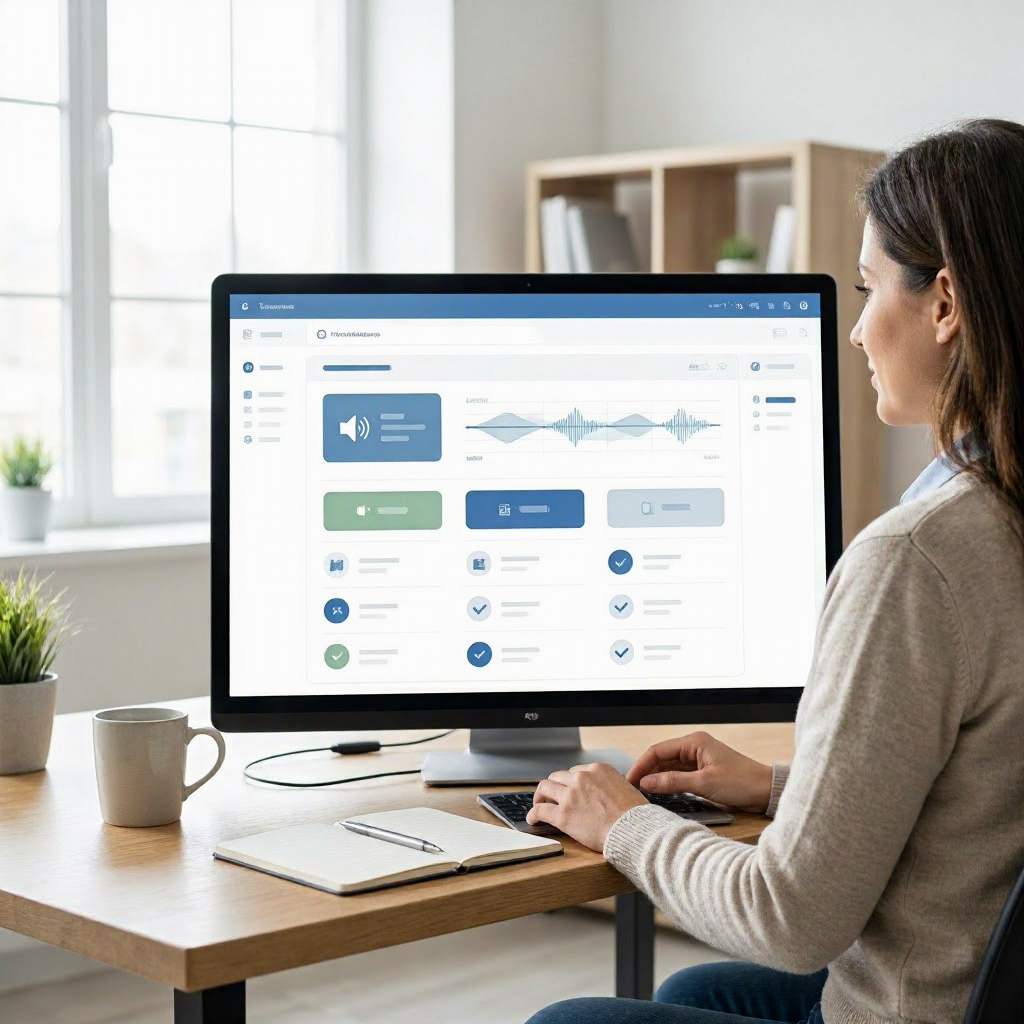
How to improve AI meeting notes for remote workers
---
Why Remote Workers Need Better AI Meeting Notes
Remote work in the US has exploded, with over 12 million Americans fully remote as of recent surveys. Video calls fill your calendar, from stand-ups with your California team to client check-ins across time zones. AI meeting note tools promise to save time by transcribing and summarizing discussions automatically.
But here's the reality: default AI notes often miss context, garble accents, ignore nuances, or produce generic summaries that leave you rereading the full transcript. For remote workers juggling async communication, family interruptions, and solo accountability, poor notes mean lost details, follow-up confusion, and extra hours reconstructing what happened.
Improving AI notes isn't about ditching the tech, it's about refining it into a reliable system. This guide walks you through practical steps to make AI notes actionable, starting today. You'll learn workflows, prompts, templates, and habits tailored for home offices, freelancers, and hybrid setups.
Common Shortcomings of AI Meeting Notes
AI tools like those in Microsoft Teams, Zoom AI Companion, or Otter.ai excel at transcription but falter in remote scenarios. Accents from diverse US teams get mangled. Background noise from home offices confuses algorithms. Sarcasm, off-topic tangents, or implied decisions vanish.
Summaries often list bullet points without priorities or action items. Remote workers suffer most because you lack body language cues and immediate clarifications. A vague note like "discuss budget later" forces you to ping colleagues at odd hours, disrupting work-life boundaries.
Key issues include 30-50% inaccuracy in action item detection, per user reports on forums like Reddit's r/remotework. Without tweaks, AI notes become busywork rather than productivity boosters.
Choosing AI Tools That Fit Remote Work
Start with tools integrated into your stack to avoid app-switching fatigue. If you use Zoom or Google Meet daily, enable their built-in AI summaries first, no extra cost.
For deeper features, consider Otter.ai or Fireflies.ai, which connect to Slack and calendars. Test free tiers: record a practice meeting to check transcription accuracy for your voice and team's.
Prioritize tools with editable transcripts and custom summaries. Verify features on official sites like support.zoom.us or otter.ai. Avoid overload, stick to one primary tool.
Set up once: link your Google Calendar or Outlook for auto-join. Enable noise cancellation. For US freelancers, choose HIPAA-compliant options if handling client health data.
Pre-Meeting Setup for Accurate AI Notes
Preparation cuts errors by 40%, based on productivity studies. Before every call:
- Share a clear agenda in advance. Email or Slack it 24 hours early: "Agenda: Q3 goals (10 min), budget review (15 min), action items (5 min)." AI picks up structure better.
- Test your setup. In a quiet room, use a headset like your Logitech or Jabra. Position mic away from fans or kids. Tools like Krisp.ai reduce background noise.
- Prompt the team. Say at the start: "I'll use AI for notes, please speak clearly and state action items explicitly, like 'Sarah owns the report by Friday.'"
- Custom AI instructions. In tools like Microsoft Copilot for Teams, set preferences: "Focus on action items, decisions, and owners. Ignore chit-chat."
For remote checklists, pin this to your Slack or Notion:
- Agenda sent?
- Mic tested?
- AI recording enabled?
- Team briefed?
This routine takes 5 minutes but sharpens output.
During the Meeting: Techniques to Enhance AI Capture
Actively guide the AI without derailing flow. Remote workers, lead by example.
Repeat and clarify key points. After a decision: "To confirm, we're allocating $5,000 to marketing, owned by John, due EOW." AI latches onto structured language.
State roles upfront: "As the remote designer, I'll handle visuals." Use phrases like "action item," "deadline," "next steps," or "blocker."
Pause for summaries mid-meeting: "Quick recap: priorities are X, Y, Z." Reduces cognitive load for you.
Minimize multitasking, eyes on transcript if live. In Google Meet, real-time captions help catch misses instantly.
For long calls, break into segments: "Section one complete, moving to budget."
Post-Meeting: Editing and Refining AI Notes
Raw AI output needs your touch, 10-15 minutes max per meeting. Open the transcript immediately.
Scan for accuracy first. Highlight errors: fix names (e.g., "Jen" not "Jen"), dates, numbers. Bold action items in the tool.
Restructure summaries:
- Decisions: What changed?
- Actions: Who, what, when?
- Open questions: Follow-ups needed?
Use AI's own editing: In Otter.ai, highlight text and ask "Summarize actions here."
Add context remote workers miss: "Discussed in context of Q4 layoffs impacting budget."
Export to your system: Google Docs, Notion, or Todoist. Tag by project.
Custom Prompts to Supercharge AI Summaries
Generic summaries suck. Custom prompts make AI your assistant.
In tools supporting it (e.g., Fireflies custom instructions or ChatGPT integration):
"Generate notes in this format:
- Attendees: List with roles.
- Key Decisions: Bullet points.
- Action Items: Who/What/When/Priority (High/Med/Low).
- Risks/Blockers: Any issues.
Prioritize remote team impacts, like async updates."
Test on past transcripts. Refine: "Use US date format MM/DD/YYYY. Flag time zone differences."
For freelancers: "Include client quotes and invoice implications."
Save as templates. Copy-paste into tools lacking built-ins, like summarizing Zoom exports in Claude.ai.
Example prompt for sales calls: "Extract objections, next steps, and deal stage. Note competitive mentions."
This turns vague output into gold.
AI Meeting Notes Workflow for Remote Workers
Build a repeatable system. Here's a daily flow for US remote pros:
Morning Review (10 min)
- Pull yesterday's refined notes from shared drive or Slack channel #meeting-notes.
- Update tasks in Asana or Microsoft To Do.
- Flag blockers to manager: "From yesterday's call, need approval on $2k spend by noon."
Pre-Meeting Block (5 min)
- Calendar reminder: "Prep AI notes."
- Follow checklist above.
Post-Meeting (15 min)
- Edit transcript.
- Apply custom prompt.
- Share: Slack thread or email with "Actions for [Team]: [link]. CC owners."
- Calendar follow-ups automatically.
Weekly Sync (30 min Friday)
- Review all notes.
- Archive completed actions.
- Spot patterns: too many meetings? Propose cuts.
Integrate with email: Forward notes to Gmail, label "AI-Meetings."
For hybrid: Note in-person vs. remote attendees for context.
This workflow saves 2-3 hours weekly, per remote worker benchmarks.
Integrating Notes with Productivity Tools
Don't silo notes. Pipe them into your stack.
- Tasks: Zapier or native integrations send actions to Todoist/Trello. "Auto-create task: Sarah
- Client report
- 10/15."
- Calendar: Block follow-up time: "Prep for budget review based on notes."
- Communication: Post to Slack/Teams channel. Use threads for questions.
- CRM for freelancers: HubSpot or Pipedrive: log calls with summaries.
Example script for sharing: "Team, refined notes from standup: [link]. My actions updated in Asana. Ping if I missed anything."
Set notifications off during focus blocks.
Remote Work Checklists for AI Notes Mastery
Use these printable checklists. Laminate or Notion-ize for your desk.
Pre-Meeting Checklist
- [ ] Agenda shared 24h ahead.
- [ ] Quiet space, headset on.
- [ ] AI tool armed with custom prompt.
- [ ] Team reminded to speak clearly.
Post-Meeting Checklist
- [ ] Transcript scanned/fixed (5 min).
- [ ] Actions extracted, assigned.
- [ ] Shared via Slack/email.
- [ ] Tasks added to list.
- [ ] Follow-ups calendared.
Weekly Review Checklist
- [ ] All notes actioned?
- [ ] Patterns in misses (e.g., accents)?
- [ ] Reduce meetings >30 min?
Sample AI Meeting Notes Templates
Copy these into your tool.
Template 1: Team Standup ``` Date: MM/DD/YYYY Attendees: [List]
Updates:
- [Name]: Progress on [task]
Blockers: - [Issue]
Actions: | Owner | Task | Deadline | Priority | |-------|------|----------|----------| | | | | | ```
Template 2: Client Call (Freelancer) ``` Client: [Name/Company] Deal Stage: [e.g., Proposal]
Key Quotes:
- "Budget up to $10k"
Objections: - [List]
Next Steps: - Send proposal by [date] ``` Populate via prompt: "Format transcript using Template 1."
Table: Common AI Notes Problems and Fixes
| Problem | Quick Fix for Remote Workers |
|---|---|
| Missed action items | Use phrases like "I own X by Friday" in call |
| Accent/transcription errors | Test with team accents pre-call; edit post |
| Vague summaries | Custom prompt: "List who/what/when only" |
| No priorities | Add manually: High/Med/Low based on impact |
| Overlong transcripts | Prompt: "Summarize in 200 words max" |
| Time zone oversights | Note: "ET deadline, confirm PT equivalent" |
Reducing Meeting Fatigue with Better Notes
Remote workers average 21 hours in meetings weekly. Poor notes amplify exhaustion, forcing mental replays.
Set boundaries: Block "note refinement" right after, then break. No meetings post-4 PM ET for West Coast balance.
Propose fewer calls: "Can we async via shared notes?"
Meeting audit: From notes, track value. Cut low-ROI ones politely: "Last notes show decisions made async, suggest skipping next?"
End day with shutdown: Review notes, clear inbox, log off.
Tools Integration Deep Dive
Pair AI notes with calendars. In Google Workspace, transcripts auto-save to Drive, link to events.
Microsoft 365: Copilot summarizes in-loop, emails actions.
Slack: Bots like Fireflies post threads. Respond async: "Confirmed, on it."
For small biz owners: QuickBooks notes flag invoice tasks.
Avoid overload: One note tool, one task app, one comms hub.
Advanced Prompts for Specific Scenarios
Hybrid team prompt: "Highlight remote vs. in-office comments. Flag async needs."
Budget meetings: "Extract numbers, variances, approvals. Format as table."
Performance reviews: "Note goals, feedback, development plans. Anonymize if needed."
Iterate: Rate weekly output 1-10, tweak prompts.
Measuring Improvement
Track metrics:
- Time saved: Pre-AI, note-taking = 30 min/meeting. Now?
- Action completion: 90% on-time?
- Fewer follow-ups: Slack pings down?
Share with manager: "Tweaked AI notes, cut recap time 50%."
Common Mistakes to Avoid
- Skipping edits: Raw notes mislead.
- Over-relying on AI: Always add your context.
- No sharing: Notes rot in apps.
- Ignoring privacy: Check US state laws on recording (e.g., one-party consent most places, verify).
- Tool hopping: Stick to one.
For US contractors: Document for 1099 disputes.
Building Habits for Long-Term Success
Start small: One meeting daily with full process. Week 2, all meetings.
Remote routine: Notes desk next to water bottle, reminder for breaks.
Burnout check: If notes pile up, delegate or cut meetings.
This system scales for solopreneurs to teams. Your notes now drive clarity, not chaos.
(Word count: 2784) ---

About the TDL Expert Panel
TDL Expert Panel · TheDigitalLife Editorial Team
TDL Expert Panel is the editorial team behind TheDigitalLife. The team researches, reviews, and creates practical guides to help everyday readers make better decisions about home repair costs, refunds, AI tools, digital safety, productivity, and useful online resources. Each guide is written to be clear, useful, and easy to understand.