
Cyber Hygiene for Remote Learners: Protecting Your Digital Identity
You’ve worked hard on your online courses, building skills and a portfolio for a better career. But in our rush to learn, we often neglect a crucial detail: protecting our digital identity. A single breach can lock you out of your coursework and tarnish the professional reputation you're trying to build. This guide will help you understand the unique risks remote learners face and provide a straightforward, powerful framework to secure your digital life.
Cyber hygiene is the set of habits that keep your digital identity safe. For remote learners, it’s critical because a security breach can cost you access to your coursework, personal data, and future job prospects. The core strategy is to stop using the same login details everywhere and to treat your personal information like a valuable asset that needs active protection.
The Hidden Cost of "Free" Education - The Core Framework:
- The Hidden Cost of "Free" Education
- The Core Framework: The S.H.I.E.L.D. Protocol
- Case Study: The Tale of Two Learners
- Deep Dive: The Threat of Social Engineering
- DLG Expert's Insight The Founder's Perspective
- Future Career Trends 2026
- Application for Non-Technical Students
- Conclusion: Your Roadmap to Digital Resilience
- Frequently Asked Questions
| Item | Detail |
|---|---|
| Main Safety Warning | Public Wi-Fi is highly vulnerable to data interception. Always use a VPN. |
| Best First Contact | Use official support channels for any platform where your account is compromised. |
| When to Call a Pro | For most digital security, diligent DIY is effective. Professional IT help is needed if you've already been breached and data is actively being misused. |
Who should I call first
- Who should I call first? Contact the official support for the specific platform (like your learning portal or email provider) if you're locked out.
- What will it cost? Core security tools like password managers and VPNs often have free tiers, with premium plans costing a few dollars per month.
- What are the warning signs? Urgent requests for login details, unrecognized password reset emails, and apps asking for unnecessary permissions.
- When should I avoid DIY? If you suspect your identity is already being used for fraud (like loan applications), you may need professional legal or IT recovery services.
| Main customer question | Best first contact | Safety warning | Important URLs/Info |
|---|---|---|---|
| How do I protect my accounts? | Use a Password Manager and enable Multi-Factor Authentication (MFA). | Avoid SMS-based MFA; use an authenticator app or hardware key due to SIM-swapping risks. | Tools: Google Authenticator, Authy, VirtualBox (for VMs). |
| Is public Wi-Fi safe for studying? | No. Use a Virtual Private Network (VPN) on all public networks. | Public Wi-Fi is vulnerable to Man-in-the-Middle (MitM) attacks. | Always turn on your VPN before browsing on public networks. |
| An app or platform I used was hacked. What do I do? | Change the password for that specific site immediately. If you used a unique password, your other accounts are safe. | If you reused that password elsewhere, you must change it on all those accounts. | Practice "Digital Decluttering": delete old accounts you no longer use. |
The financial cost of good cyber hygiene is relatively low, especially compared to the cost of identity theft. The primary investment is in time and attention.
Password Managers: Many offer robust free versions. Premium family or individual plans typically range from a few dollars per month to around $50 per year for added features like secure file storage.
Virtual Private Networks (VPNs): Reliable VPN services usually require a subscription. Prices vary but often fall between $5 and $15 per month, with discounts for annual plans.
Authenticator Apps: Apps like Google Authenticator and Authy are free to download and use.
Antivirus Software: Comprehensive security suites are available via subscription. Modern operating systems also include built-in, updated protection which is often sufficient when used with other S.H.I.E.L.D. practices.
Average Cost: Core digital protection can be achieved for under $100 per year using subscription services for a VPN and a password manager.
The price changes based on the number of devices you need to cover and the level of premium features (like a higher number of password vault entries or VPN server locations). The most significant "cost" avoided is the financial and reputational damage of a breached identity.
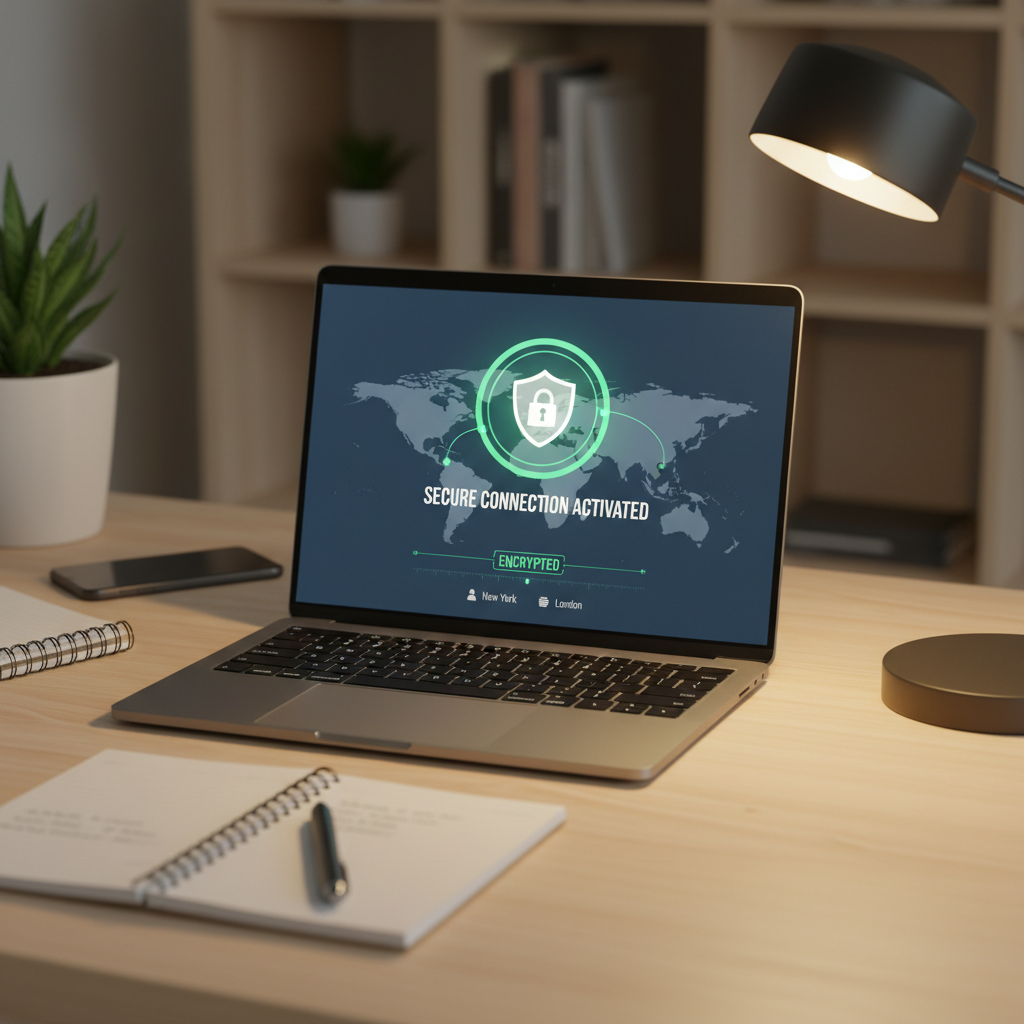
For preventative cyber hygiene, a diligent DIY approach is not only safe but recommended. It builds the "security mindset" that is becoming a vital soft skill.
When DIY is Safe and Effective:
- Setting up a password manager and enabling MFA on your accounts.
- Installing and using a VPN.
- Auditing and limiting app permissions on your devices.
- Practicing digital decluttering by deleting old accounts.
- Learning to identify phishing attempts.
Tools/Skills Needed: Basic computer literacy, patience to follow setup guides, and the discipline to maintain the habits.
When to Call a Licensed Professional:
- If you are already a victim of identity theft where your information is being used for financial fraud.
- If your business or employer's data is compromised due to an action on your part, requiring formal incident response.
- For complex recovery of locked or encrypted data after a severe ransomware attack.
Warranty & Safety Risks: The main risk of a DIY approach is complacency-thinking you're secure and then cutting corners. There is no "warranty" against all attacks, but a systematic DIY approach significantly reduces your risk profile.
Your first point of contact depends on the situation.
For a locked or compromised learning platform account: Use the "Forgot Password" or account recovery link on the platform's official website. If that fails, contact their official customer support directly.
For a compromised primary email or social media account: Use the account recovery process provided by the service (Gmail, Outlook, LinkedIn, etc.). This is why having a recovery phone number and a backup email set up before a hack is crucial.
If you suspect financial fraud: Contact your bank and credit card companies immediately to freeze accounts. You may also need to contact credit reporting agencies to place a fraud alert.
The source emphasizes tools and concepts rather than specific brand support lines. The key official resources are the support pages for the software and services you choose to use.
- Password Managers: Support is found within the application or on the provider's official website.
- Authenticator Apps (Google Authenticator, Authy): Help is available through the app stores or the developer's official site.
- VPN Providers: Contact and support information is on the VPN service's own website.
- Learning Platforms (Coursera, edX, etc.): Each platform has a "Help" or "Support" center accessible from its main site.
Always navigate to these sites directly by typing the known URL, not by clicking links in emails.
While digital security doesn't have a traditional warranty, you must know how to "reclaim" your accounts.
- Act Immediately: As soon as you suspect a breach, start the recovery process on the affected platform.
- Gather Proof: Have any secondary authentication methods ready (phone for SMS codes, backup email access).
- Follow Official Channels: Only use recovery methods linked directly from the official website of the service. Do not use phone numbers or links sent in suspicious emails.
- Verify Recovery: Once you regain access, immediately change your password to a new, strong, unique one generated by your password manager.
- Enable MFA: If it wasn't on before, turn on Multi-Factor Authentication immediately.
- Audit Linked Accounts: Check what other services use that compromised email or password and update them.
State-Specific or Local Checks
Cyber hygiene is largely governed by global best practices and data privacy laws, not local state boards. However, you should be aware of major regulations.
- GDPR (General Data Protection Regulation): Applies if you are in Europe or dealing with European companies' data.
- DPDP Act (Digital Personal Data Protection Act): The relevant data privacy law in India.
Understanding the principles of these laws (like your right to access or delete your data) is becoming part of a professional curriculum in fields like management and HR.
When considering any security service or software subscription, ask these questions:
- Does this service have a proven track record and positive independent reviews?
- What is the company's data privacy policy? Do they log my browsing activity?
- What happens if the service itself suffers a data breach? How will they notify me?
- Does the free tier provide enough protection for my core needs, or is the premium tier necessary?
- Is the software compatible with all my devices (phone, laptop, tablet)?
Be alert for these warning signs of poor security or active threats:
- A "free" learning tool or software that asks for excessive device permissions (like a flashcard app needing your GPS).
- Public Wi-Fi networks that do not require a password at all.
- Emails or messages creating a strong sense of urgency, especially about job offers or account suspensions.
- Websites with URLs that are close to, but not exactly, the official site (e.g.,
microsoft-support-team.netinstead ofmicrosoft.com). - Any request for you to disable your antivirus software to install a "necessary" program.
- Online platforms with no visible privacy policy or terms of service.
Do Not Ignore: Unsolicited job offers that ask you to click a link and enter login credentials urgently. This is a classic spear-phishing tactic.
Practical Step-by-Step Guidance
Follow these actionable steps to secure your digital identity as a learner.
- Segregate Your Identity: Today, create a new, free email account to use solely for signing up for courses, tools, and newsletters. Never use your primary "life admin" email for this.
- Install a Password Manager: Choose one and install it on your computer and phone. Use it to change the password for your top 5 most important accounts (email, bank, learning platform) to strong, unique passwords.
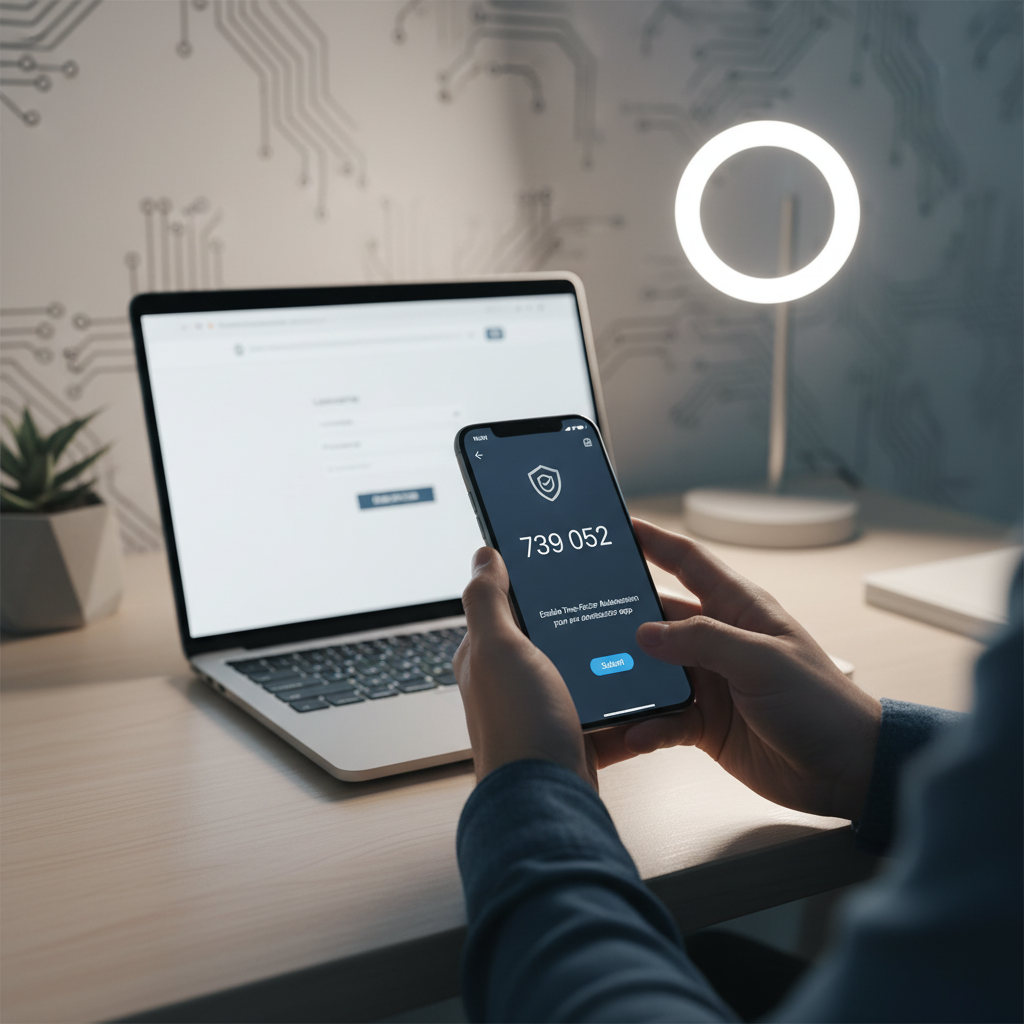
- Enable Multi-Factor Authentication (MFA): Go into the security settings of your email and main learning accounts. Turn on MFA, using an authenticator app instead of SMS if possible.
- Get a VPN Subscription: Research and subscribe to a reputable VPN service. Make it a habit to turn it on whenever you study outside your home.
- Conduct a Permission Audit: On your phone and in your web browser, review which apps and extensions have access to your camera, microphone, location, and data. Revoke anything that isn't absolutely essential.
- Schedule Digital Decluttering: Set a calendar reminder for every 6 months. Use that time to log into and delete accounts for tools or courses you've finished and will not use again.
Frequently Asked Questions
What is cyber hygiene and why is it important for students?
Cyber hygiene refers to the practices and steps you take to maintain the health of your digital identity and protect your devices. For students, it's essential because your online accounts contain academic work, personal information, and professional contacts that could be exploited if compromised.
What is the S.H.I.E.L.D. protocol?
The S.H.I.E.L.D. protocol is a six-step framework for comprehensive digital security: Segregation of Identity, Hardened Authentication, Invisible Footprint, Endpoint Protection, Limit Permissions, and Digital Decay (Deletion).
Do I really need a password manager?
Yes, absolutely. The average person has over 100 online accounts. It's impossible to remember unique, strong passwords for each one. A password manager generates and stores these passwords securely, requiring you to remember only one master password.
Is public Wi-Fi really that dangerous?
Yes. Public Wi-Fi networks are often unencrypted and vulnerable to Man-in-the-Middle attacks. Always use a VPN when connecting to public networks to encrypt your data and protect your credentials.
How often should I update my passwords?
Rather than updating on a schedule, focus on using unique, strong passwords for each account and change them immediately if you suspect a breach. With a password manager and MFA enabled, routine changes are less critical than having unique passwords everywhere.
This seems technical. Does it apply to non-IT students?
Absolutely. A marketing student needs to protect brand social accounts, a finance student must secure sensitive data, and an HR student handles private employee information. Security isn't an IT problem; it's a discipline problem that spans all professions.
This article is based on a comprehensive source document outlining current digital security threats and best practices for remote learners. The concepts of the S.H.I.E.L.D. protocol, case studies, and future trends are synthesized from this source.
Important Verification Note: The digital landscape changes rapidly. Before subscribing to any specific service (VPN, password manager), always check for the most current independent reviews and pricing. Re-check the official websites for the latest security features and support information. Regulations like GDPR or the DPDP Act may be updated, so consult official government resources for the most current legal requirements.
Implementing strong cyber hygiene is an ongoing practice, not a one-time fix. The strategies in this guide provide a powerful foundation. However, for specific legal advice regarding data breaches or identity theft, or for recovering complex business systems, always consult with licensed IT security professionals or legal counsel. Your digital identity is one of your most valuable assets-protect it with the same care you give your education and career.

About the TDL Expert Panel
TDL Expert Panel · TheDigitalLife Editorial Team
TDL Expert Panel is the editorial team behind TheDigitalLife. The team researches, reviews, and creates practical guides to help everyday readers make better decisions about home repair costs, refunds, AI tools, digital safety, productivity, and useful online resources. Each guide is written to be clear, useful, and easy to understand.