ChatGPT prompts for image generation that actually work
---
Why ChatGPT Excels at Image Generation
ChatGPT, powered by OpenAI's models, integrates DALL-E 3 for image generation. This makes it a go-to tool for creating custom visuals without needing separate software. If you have a ChatGPT Plus subscription, you can type a prompt and get high-quality images in seconds.
ChatGPT Plus costs $20 per month and includes unlimited image generations (with fair use limits). Free users can describe images but can't generate them directly. Always check the latest details on OpenAI's help page at help.openai.com.
This guide focuses on prompts that deliver consistent, usable results. You'll learn the structure of strong prompts, real-world examples across categories, and tips to refine outputs. These work because they guide DALL-E's understanding of style, composition, and details.
Getting Started: Access and Basic Workflow
Log into ChatGPT at chat.openai.com with your Plus account. Start a new chat and type a prompt like: "Generate an image of a serene mountain lake at dawn."
ChatGPT responds with the image and a description. You can then say "Make it more vibrant" to iterate. Save images by downloading them directly.
DALL-E 3 generates images up to 1792x1024 pixels in square, wide, or tall aspect ratios. Specify ratios in prompts for better control, like "--ar 16:9" at the end (though ChatGPT handles this natively).
Test prompts in a dedicated chat to build a history of refinements. This workflow saves time for bloggers, marketers, or hobbyists creating visuals.
Core Elements of Prompts That Work
Effective image prompts aren't vague wishes. They include specific details on subject, style, lighting, composition, and mood. Vague prompts like "a cat" yield generic results; detailed ones produce polished images.
Break it down:
- Subject: Main focus, e.g., "a red fox in snow."
- Style: Artistic influence, e.g., "in the style of Studio Ghibli" or "photorealistic."
- Lighting and Mood: "Golden hour sunlight, peaceful atmosphere."
- Composition: "Close-up shot, rule of thirds."
- Details: Colors, textures, background.
- Technical Specs: "High resolution, 4K, --ar 1:1."
A strong template: "Create a [style] image of [subject] in [setting], with [lighting/mood], [composition], detailed [elements]."
Here's a table summarizing key elements:
| Element | Purpose | Example Phrase |
|---|---|---|
| Subject | Defines the focal point | "Vintage bicycle on a cobblestone street" |
| Style | Sets artistic direction | "Oil painting by Van Gogh" |
| Lighting | Controls ambiance | "Dramatic backlighting at sunset" |
| Composition | Guides framing | "Wide-angle view from below" |
| Details | Adds realism | "Rusty chain, dew on petals" |
Use this table to build prompts systematically. Customize by swapping examples for your needs.
Basic Prompt Examples for Everyday Use
Start simple to build confidence. These prompts generate reliable results for social media, presentations, or personal projects.
Landscapes and Nature
Nature scenes shine with descriptive weather and time-of-day details.
Prompt 1: "A misty forest in the Pacific Northwest at dawn, photorealistic, sunlight filtering through tall Douglas fir trees, fog rolling over a crystal-clear stream, high detail, serene mood, wide landscape --ar 16:9."
This works because it specifies region (US-relevant), lighting, and aspect ratio for wallpapers or blog headers.
Customization: Swap "Pacific Northwest" for "Grand Canyon" or add "autumn foliage" for seasonal variety.
Prompt 2: "Snow-capped Rocky Mountains under a starry night sky, realistic photography style, foreground wildflowers dusted with snow, Milky Way visible, crisp details, epic scale --ar 2:1."
Ideal for Instagram posts or desktop backgrounds.
Portraits and People
For portraits, emphasize expressions, clothing, and poses to avoid generic faces.
Prompt 3: "Portrait of a confident American entrepreneur in her 30s, warm studio lighting, wearing a navy blazer and white blouse, subtle smile, professional headshot style, high resolution, neutral background."
Great for LinkedIn profiles or mock client photos. DALL-E avoids real celebrities, focusing on archetypes.
Customization: Change age, attire, or mood like "thoughtful expression" for diversity.
Prompt 4: "Elderly fisherman from Maine, weathered face with salt-and-pepper beard, sitting on a dock at sunset, realistic oil painting, soft golden light, detailed wrinkles and calloused hands."
Captures storytelling for books or articles.
Product and Business Image Prompts
Small business owners and freelancers use these for mockups without stock photo costs.
E-commerce Mockups
Prompt 5: "Photorealistic product shot of a handmade ceramic coffee mug on a wooden table, steam rising from hot coffee inside, soft morning light from window, white mug with blue mountain motif, clean white background for e-commerce, high detail --ar 1:1."
Perfect for Etsy listings or Shopify previews.
Customization: Describe your product's color, material, and setting, e.g., "stainless steel water bottle on a hiking trail."
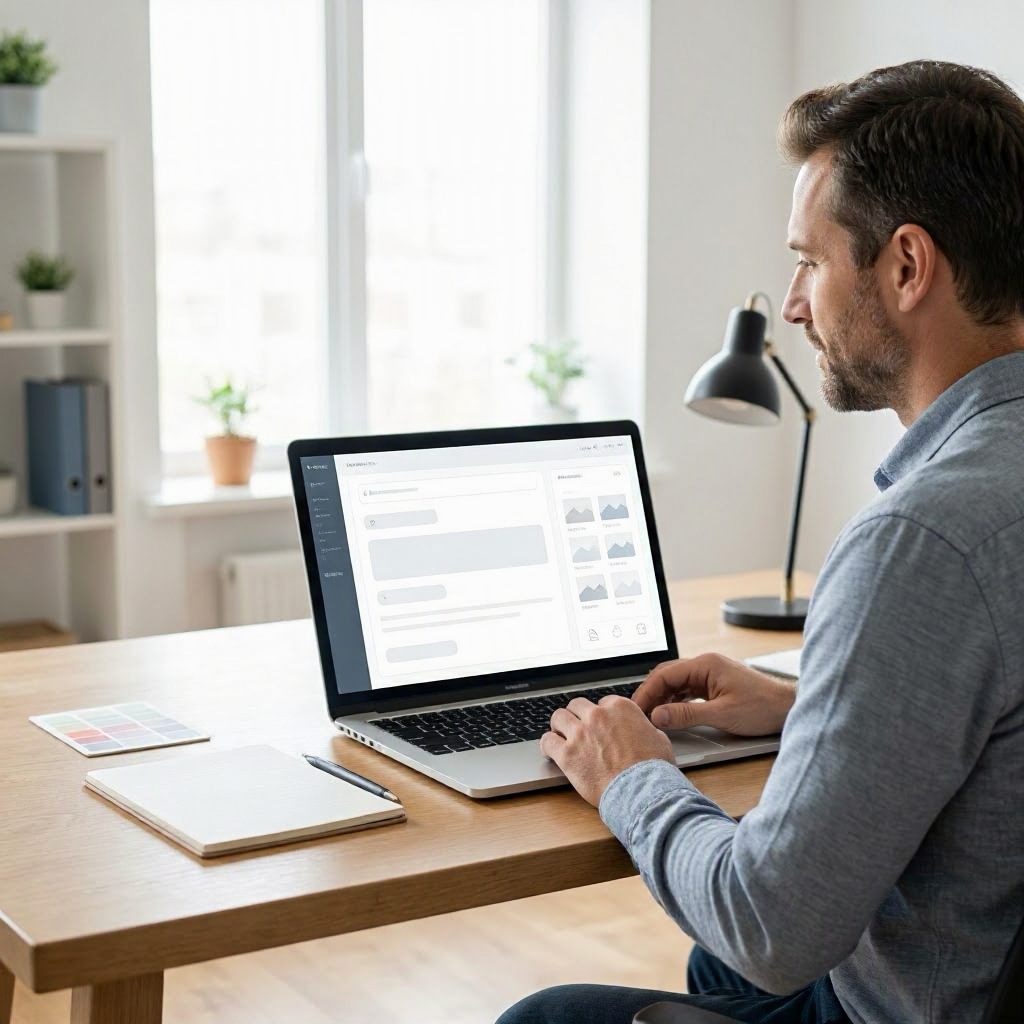
Prompt 6: "Laptop mockup showing a dashboard app interface, sleek MacBook Pro on modern desk with plants, top-down view, vibrant screen colors, professional photography style, 8K resolution."
Useful for SaaS demos or portfolios.
Marketing Graphics
Prompt 7: "Infographic-style image for a US small business webinar: diverse group collaborating around a table with laptops, motivational text 'Unlock Your Potential' overlay, flat design in blue and orange tones, poster format --ar 9:16."
Tailored for Eventbrite promotions or emails.
Abstract and Artistic Prompts
For creative expression or unique visuals.
Prompt 8: "Abstract representation of digital innovation, swirling circuits and data streams in neon blues and purples, cyberpunk aesthetic inspired by Syd Mead, dynamic motion blur, square format --ar 1:1."
Suits tech blogs or album covers.
Prompt 9: "Surreal dreamscape of floating islands over a city skyline like New York at dusk, watercolor style, birds soaring between vines, ethereal glow, highly detailed."
Evokes wonder for art prints.
Advanced Techniques for Pro-Level Results
Once basics click, layer in complexity.
Style References
Reference artists or eras precisely: "in the style of Norman Rockwell, American heartland scene."
Prompt 10: "1950s diner interior in Midwest USA, photorealistic with vintage color grading, chrome stools, checkered floor, waitress pouring coffee, warm neon sign glow, cinematic composition --ar 16:9."
Multi-Element Scenes
Balance multiple subjects: Use "foreground," "midground," "background."
Prompt 11: "Busy farmers market in California, foreground stall with fresh strawberries, midground people chatting, background rolling hills, sunny day, vibrant realistic photo, detailed textures --ar 3:2."
Negative Prompts (Indirectly)
ChatGPT doesn't support native negatives, but phrase positively: Instead of "no blur," say "sharp focus throughout."
Prompt 12: "Crystal-clear close-up of a bald eagle in flight over Alaskan wilderness, razor-sharp feathers, dynamic angle, no motion blur, hyper-realistic wildlife photography --ar 2:3."
Iterating on Images: The Refinement Workflow
One prompt rarely nails it. Follow this US-friendly workflow for work or school projects:
- Generate initial image.
- Note issues: "Too dark? Add 'bright daylight'."
- Upscale or vary: "Regenerate with more saturation."
- Reference prior: "Like the last image but change the hat to red."
Example Iteration:
Start: "A cozy cabin in the woods."
Refine: "Make the cabin in Yellowstone National Park style, add snow on roof, warm firelight from windows, photorealistic winter evening."
Final: "Version 2 but with a family of deer in foreground, higher contrast."
This builds portfolios or presentation visuals efficiently. Track chats for repeatability.
Use Cases Tailored for US Readers
Small Business and Freelancing
Create custom thumbnails for YouTube channels or Canva alternatives. Prompt for "patriotic Fourth of July banner with fireworks over a small town fair."
Job Search and Resumes
Mock headshots or portfolio pieces: "Professional photo of software developer at desk with dual monitors."
Education and Learning
Visualize history: "American Revolution battlefield at Yorktown, 1781, realistic reenactment with soldiers in period uniforms."
Teachers use for lesson plans; students for projects. Always credit AI-generated images ethically.
Social Media and Content Creation
TikTok thumbnails: "Excited home cook holding a pizza, kitchen background, fun cartoon style --ar 9:16."
Bloggers generate featured images matching US holidays like Thanksgiving feasts.
Personal Projects
Family vacation planners: "Road trip map of Route 66 with classic car, vintage poster style."
Common Mistakes and How to Fix Them
- Too Vague: "Dog" → "Golden retriever puppy chasing a frisbee in Central Park, action shot."
- Overloading Details: Limit to 5-7 key descriptors; DALL-E ignores excess.
- Ignoring Aspect Ratio: Defaults to square; specify for stories or landscapes.
- Unrealistic Combos: "Elephant in space suit on Mars" works surreal, but ground in logic for realism.
Test prompts iteratively. If output hallucinates (rare for images), regenerate.
Privacy, Safety, and Ethical Use
ChatGPT stores prompts unless you opt out via settings. Never input personal photos, SSNs, or client confidentials. Images are public-domain like, but attribute "Generated with ChatGPT/DALL-E" for transparency.
For workplaces, check employer AI policies—many US companies like Google restrict sensitive data. Schools may require disclosure for assignments.
DALL-E blocks harmful content like violence or celebrities, per OpenAI policies. Review images before use to avoid biases.
Verify outputs: Images aren't factual proofs; use for inspiration, not misinformation.
Prompt Library: Copy-Paste Ready Templates
Mix and match these for quick starts.
- Product Shot: "Photorealistic [product] on [surface], [lighting], [key features], e-commerce ready --ar 1:1."
- Social Post: "[Scene] in [style], vibrant colors, text overlay '[your message]' --ar 9:16."
- Illustration: "Whimsical [subject] [action], children's book style by [artist like Beatrix Potter]."
- Mood Board: "Collage of [themes], Pinterest-inspired, assorted photos in [color scheme]."
Adapt for holidays: Add "Halloween-themed" or "Super Bowl vibes."
Checking and Enhancing AI Images
Download and edit in free US tools like GIMP or Photopea. Upscale with official DALL-E upscalers.
Compare to references: Search Google Images for "similar styles" to validate.
For accuracy in concepts (e.g., historical scenes), cross-check with trusted sites like Smithsonian.gov.
Scaling Up: Workflows for Power Users
Combine with other tools: Generate in ChatGPT, edit in Canva, post to Instagram.
Batch prompts: "Generate 4 variations of [prompt]."
For businesses, use ChatGPT's API (developer access required) for automated visuals.
Final Tips for Consistent Wins
Prompt like you're directing a photographer: Specific, vivid, structured. Practice daily—results improve with familiarity.
Images update with model improvements, so revisit old prompts. Share your successes in ChatGPT communities for feedback.
This approach turns ChatGPT into a reliable creative partner for US creators, saving hours on stock hunts. Experiment responsibly, and enjoy the results. ---

About the TDL Expert Panel
TDL Expert Panel · TheDigitalLife Editorial Team
TDL Expert Panel is the editorial team behind TheDigitalLife. The team researches, reviews, and creates practical guides to help everyday readers make better decisions about home repair costs, refunds, AI tools, digital safety, productivity, and useful online resources. Each guide is written to be clear, useful, and easy to understand.