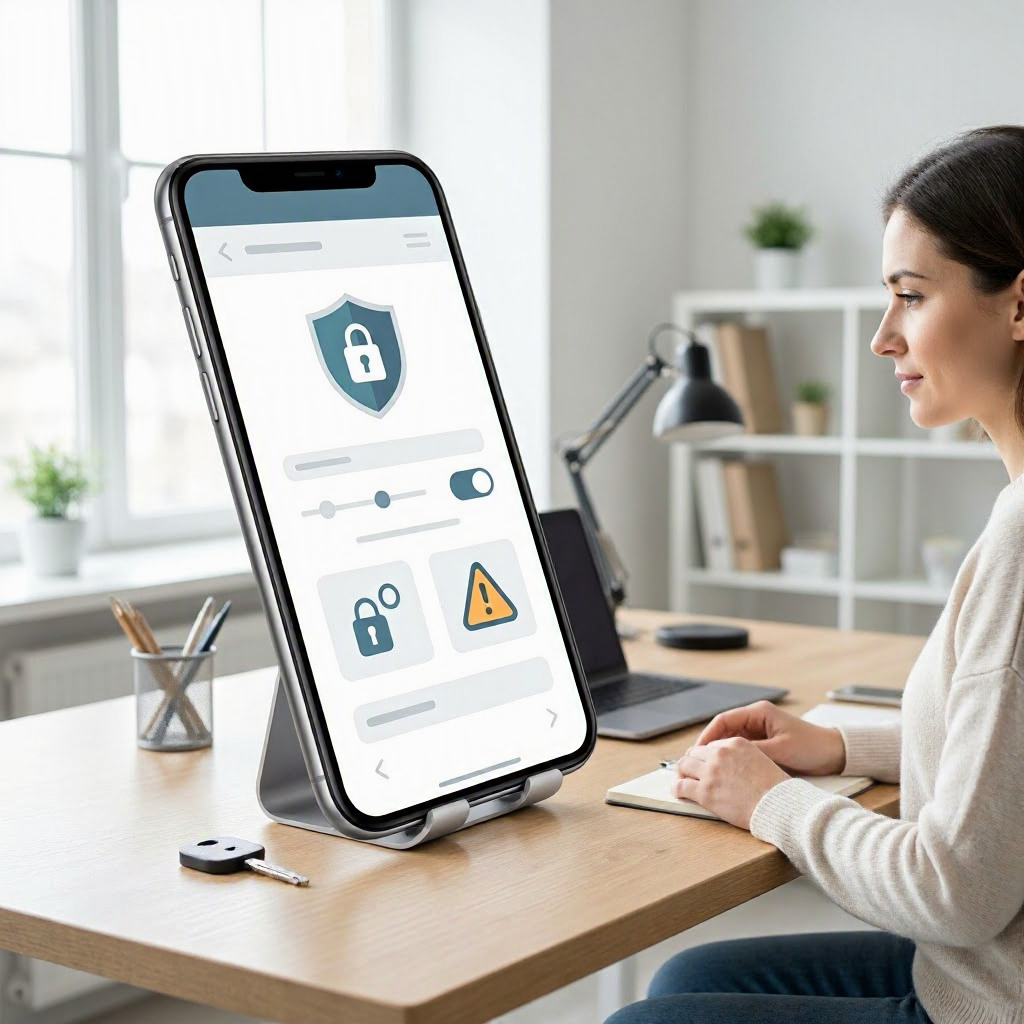
Best Ways to Secure Your Phone Against Scammers
A phone is both a device and a key ring. It can open email, banking, cloud storage, password resets, and the mobile-number account itself. That is why blocking one suspicious caller is not enough: a scammer may try a text link, a fake support app, a stolen password, or a fraudulent number transfer next.
The strongest setup uses several independent barriers. If one fails, the attacker should still be stopped by the phone passcode, account authentication, carrier protection, or a human verification habit.
Lock the device before adding security apps
Use a long passcode that is not a birthday, address, repeated digit, or PIN reused elsewhere. Biometrics make daily unlocking convenient, but the passcode remains the fallback and protects changes to important settings. Configure automatic locking for a short interval and hide sensitive notification previews on the lock screen.
Install operating-system and app updates promptly. Security fixes do not help until they are installed. Remove apps you no longer use, especially keyboards, file managers, VPNs, “cleaners,” and remote-support tools with broad permissions. Review which apps can read contacts, messages, location, photos, microphone, camera, accessibility features, and notification content.
Download software through the phone’s official store and verify the developer, not merely the app name or icon. A caller claiming to be from a bank, carrier, police department, or technology company should never direct you to install a remote-control app.
CISA’s Secure Our World guidance emphasizes software updates, strong passwords, multifactor authentication, and phishing recognition as complementary habits.
CISA's four basic actions, as a checklist for the phone:
- Recognize and report phishing in texts, email and messaging apps
- Use a strong, different password for each account, kept in a password manager
- Turn on multifactor authentication for email, banking and the phone-carrier account
- Install system and app updates promptly, because they fix flaws criminals use
Protect the accounts that can reset everything else
Secure the primary email and Apple or Google account with unique passwords. Use a reputable password manager so every important login can differ. Turn on multifactor authentication; when an account offers a phishing-resistant passkey or security key, it can be stronger than a texted code.
Save recovery codes somewhere other than the phone. Review recovery email addresses, trusted numbers, signed-in devices, connected apps, and active sessions. Delete anything unfamiliar. An attacker who controls email forwarding or a recovery address may regain access after a password change.
Never read a one-time code to an incoming caller. The code may be authorizing a password reset, new wallet, device enrollment, or money transfer while the caller describes it as an identity check. Open the official app yourself if an alert might be genuine.
Put a barrier around your mobile number
Create a carrier account PIN or passcode that is different from the phone unlock code. Ask the carrier what port-out, number-transfer, or SIM-change protection it offers and how you will be notified of changes. Lock the carrier account with strong authentication and remove old authorized users.
Loss of service without explanation can be a SIM-swap warning, particularly when email or financial alerts arrive at the same time. Use another phone or a known carrier store to contact the provider. Then check the primary email and financial accounts; do not wait for cellular service to return before protecting them.
Keep the device’s serial number, IMEI, carrier contact route, and account recovery information somewhere accessible if the phone is lost. Enable the built-in device-finding feature, but understand how remote lock and erase work before an emergency.
The FTC's guide to two-factor authentication explains why this matters: codes from an authenticator app are not exposed to a SIM swap, while a code sent by text can be intercepted by someone who has taken over the number. It ranks a physical security key as the strongest option and calls text or email codes better than nothing when they are the only choice. See SIM swap scam: how to protect your phone number and accounts.
Treat messages as prompts to verify, not to obey
Scam calls and texts manufacture urgency: a package is held, an account is frozen, a relative needs help, or a refund is waiting. Do not authenticate a message using its own link, QR code, callback number, or caller ID. Navigate to the company through a saved app, printed statement, card, or independently typed domain.
Preview a link without opening it when the phone supports that safely, but do not assume a familiar-looking domain is genuine. Shortened URLs and advertisements can hide the destination. Report junk through the messaging platform or carrier, then block it after preserving evidence if money or account exposure is involved.
Create a personal delay rule for requests involving money, codes, remote access, or secrecy. A legitimate problem can withstand the few minutes needed to contact the organization separately.
Respond according to what was exposed
If you only received a message, report and delete it. If you opened a page but entered nothing, close it, check for downloads or new permissions, update the browser and phone, and monitor accounts. If you entered a password, change it from a trusted route and revoke other sessions. Change any other account that reused it.
If you installed a profile or remote-access app, disconnect sensitive activity, preserve its name and permissions, and obtain trustworthy technical help before resuming banking. If you supplied identity information, use IdentityTheft.gov for a recovery plan. If money moved, contact the bank or payment provider immediately and report the scam at ReportFraud.gov; cyber-enabled losses can also be reported to IC3.
Test the setup before you need it
Once a month, confirm that backups complete, updates are current, recovery codes are readable, and carrier alerts reach you. Review bank, email, and cloud-account login activity. Test the device-finding page from another device without actually erasing the phone.
Write a short family response rule: hang up, do not transfer money, and call a trusted person through a known number. Security works best when it is routine enough to follow under pressure, not a collection of settings remembered only after a convincing scam.
Related guides: two-factor authentication: best apps, backup codes and mistakes to avoid and malware on phone: warning signs and first steps.
This article provides general digital-safety information, not individualized cybersecurity, legal, or financial advice.
Sources:
- Secure Our World, Cybersecurity and Infrastructure Security Agency
- Use Two-Factor Authentication To Protect Your Accounts, FTC Consumer Advice
- IdentityTheft.gov, Federal Trade Commission
- ReportFraud.ftc.gov, Federal Trade Commission
- Internet Crime Complaint Center (IC3), Federal Bureau of Investigation

Written by TheDigitalLife Editorial Team
Edited by R. K. Tiwari
Owner & Editor
R. K. Tiwari is the owner and editor of TheDigitalLife. He checks each guide against official U.S. sources before it is published.
About the editor and our editorial standards